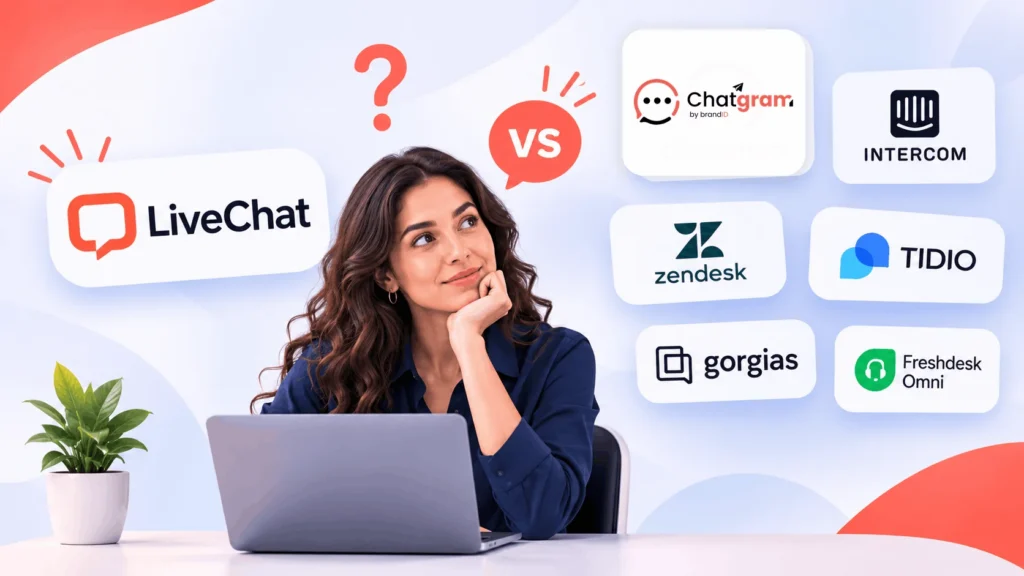
Your LiveChat renewal lands, and the plan you signed up for is gone. New plans are sold under the Text name, five agents on Growth cost $395 a month on annual billing, and AI resolutions are capped by plan. LiveChat is still a polished tool, but for teams that are adding agents or leaning on AI, the bill grows much faster than the headline $19 suggests.
So we checked 12 LiveChat alternatives on their own pricing pages in November 2026, priced each one for a five-agent team, and set out the strengths and drawbacks of each. Short on time? Jump to the five-agent cost table or go straight to the 12 tools.
LiveChat in 2026: what it costs and what you get
LiveChat’s pricing page now sells new plans as Text, a product “from the team behind LiveChat.com, HelpDesk.com, and ChatBot.com”. The page even answers the question many customers are asking: which Text plan matches the LiveChat plan they had before. Here is what is on offer today.
| Plan | Price per user | AI included | Notable limits |
|---|---|---|---|
| Essential | $19/mo billed yearly, $25 monthly | 1 AI agent, 10 AI resolutions a month, 5 reply suggestions per user | 60 days of chat history, 50 live visitors tracked, 1 team, no agent performance reports, no routing rules, no shared canned responses |
| Growth | $79/mo billed yearly, $99 monthly | 10 AI agents, 200 AI resolutions a month, 50 reply suggestions per user | Unlimited history, 400 live visitors, team performance reports, chat supervision |
| Enterprise | Custom | Custom AI agents and limits | White-label widget, SSO and audit logs, SLAs, dedicated team |
Credit where it is due. Every plan includes ticketing and an omnichannel inbox, Shopify selling tools and an AI agent, and the platform holds SOC 2 Type 2 along with GDPR and CCPA compliance. If your team is small, stable and happy inside Essential’s limits, staying put is a reasonable choice.
Why teams look for LiveChat alternatives
The complaints we found in reviews and on the competing guides mostly come back to five things. Each one is easy to check against your own account.
1. The bill scales with every login
Text charges per user, and its pricing calculator defines a user as “everyone who logs in to answer chats and tickets”. A part-time weekend helper costs the same as a full-time lead. Five users on Growth cost $4,740 a year by LiveChat’s own calculator, and ten cost twice that.
2. Essential leaves out things most teams need
The $19 plan keeps 60 days of conversation history, tracks 50 live visitors, and has no agent performance reports, routing rules or shared canned responses. Those arrive on Growth, which is four times the price per user. Many teams outgrow Essential the day they hire a second shift.
3. AI usage is metered on top of seats
Essential includes 10 AI resolutions a month and Growth includes 200. Past that you buy packs of 50 for $49.50, roughly 99 cents per resolution. A store that wants AI to take a third of 3,000 monthly chats would need about 1,000 resolutions, which means buying packs even on Growth.
4. Enterprise controls sit behind a sales call
White-labeling the widget, SSO, audit logs and SLAs are Enterprise features with custom pricing. Agencies and regulated businesses often need at least one of these, which pushes them into a negotiation rather than a self-serve plan.
5. The plan change is a natural review point
When the plans you bought are replaced by new ones, you are effectively choosing software again. Teams that never compared tools before now have a renewal date and a reason to look at what else costs less or does more.
The best LiveChat alternatives at a glance
Here are the alternatives to LiveChat software we compared, with each vendor’s published list prices as checked in November 2026. “Per user”, “per agent” and “per seat” mean the same thing: you pay for each person who logs in.
| Tool | Best for | Free plan | Paid plans start at | AI agent pricing |
|---|---|---|---|---|
| Chatgram | AI-first support, unlimited agents | Yes (1 agent, 20 chats/mo) | $9/mo flat, billed yearly | Included, metered in AI tokens |
| Intercom | SaaS and in-app support | No | $29/seat/mo, billed yearly | $0.99 per Fin outcome |
| Zendesk | Large, multi-channel teams | No | $55/agent/mo, billed yearly | 5 to 10 per agent included, then $1.50 to $2.00 |
| Tidio | Small stores on a budget | Yes (50 chats/mo) | $33/mo | Lyro shares the plan quota; extra conversations $0.50 each |
| Gorgias | Shopify brands | No | $40/mo with AI (50 tickets) | $0.85 to $1.00 per automated interaction |
| Freshdesk Omni | Chat plus full help desk | No | $29/agent/mo, billed yearly | 500 free sessions once, then $49 per 100 |
| HubSpot Service Hub | Teams already on HubSpot CRM | Yes (2 users) | $7/seat/mo | On Professional and up, about $0.50 per resolution in credits |
| Help Scout | Email-first support teams | Yes (5 users, 100 contacts/mo) | $25/user/mo | $0.75 per resolution |
| Crisp | Flat team pricing | Yes (2 seats) | $45/mo per workspace (4 seats) | AI credits included, then top-ups |
| Zoho SalesIQ | Lowest per-seat price | Yes (3 operators, 100 chats/mo) | $7/operator/mo, billed yearly | No separate AI fee listed |
| tawk.to | Zero software budget | Yes, unlimited | $29/mo to remove branding | AI Assist from $29/mo |
| Chatwoot | Open source and self-hosting | Yes (2 agents, cloud) | $19/agent/mo | Captain AI credits per plan, $20 per 1,000 extra |
What five agents really pay each month
Seat prices hide the real comparison, because half these tools do not charge per seat. So we priced one common case: a team of five people answering chat, on the cheapest plan that lets all five work. The table shows the software fee before any AI usage, using annual billing where the vendor offers it.
| Tool and plan | 5 agents per month | How it is billed | What pushes the bill up |
|---|---|---|---|
| LiveChat (Text) Essential | $95 ($125 monthly) | Per user | Moving to Growth ($395) for reports and history; AI packs |
| Chatgram Studio | $9 ($24 monthly) | Flat, unlimited agents | More AI tokens or more websites |
| Intercom Essential | $145 | Per seat | $0.99 for every Fin outcome |
| Zendesk Suite Team | $275 ($345 monthly) | Per agent | Automated resolutions past 25 a month |
| Tidio Starter | $33 | Conversation quota | Conversation volume (Growth starts at $63) |
| Gorgias Basic | $90 with AI (monthly billing) | Ticket volume | Tickets past 300, AI interactions past 30 |
| Freshdesk Omni Growth | $145 | Per agent | Freddy AI sessions after the first 500 |
| HubSpot Service Hub Starter | $35 ($100 paid monthly) | Per seat | Credits; Professional is $90 a seat plus a $1,500 onboarding fee |
| Help Scout Standard | $125 (16% less yearly) | Per user | $0.75 per Envoy AI resolution |
| Crisp Mini | $55 (4 seats plus 1 extra at $10) | Per workspace | AI credits; Essentials is $95 for 10 seats |
| Zoho SalesIQ Basic | $35 ($50 monthly) | Per operator | Higher tiers for advanced routing and AI |
| tawk.to | $0 | Free, paid add-ons | $29/mo branding removal, AI Assist add-on |
| Chatwoot Startups (cloud) | $95 | Per agent | AI credits past 300 a month |
List prices from each vendor’s pricing page, November 2026, before taxes and promotions. Intercom currently shows a 35% discount for new customers ($19 a seat). HubSpot lists Starter “from” $7 a seat. Tidio and Gorgias limit conversations or tickets rather than people. See the Chatgram pricing page for its token tiers.
Two patterns stand out. Seat-based tools (LiveChat, Zendesk, Intercom, Help Scout) get expensive as you add people, while volume-based tools (Tidio, Gorgias) get expensive as you add customers. Decide which of the two will grow faster in your business before you compare headline prices.
12 best LiveChat alternatives and competitors in 2026
Each entry shows the tool’s homepage, explains what it is and how it works, and then lays out its features, pricing, AI, channels, pros and cons, with a one-line verdict. Prices come from each vendor’s own pricing page in November 2026, and nobody paid to be included. Drift, which used to appear on most lists of LiveChat competitors, is no longer sold as a standalone product. Salesloft’s Drift page now points buyers to its 1mind product instead, so we left it out.
1. Chatgram
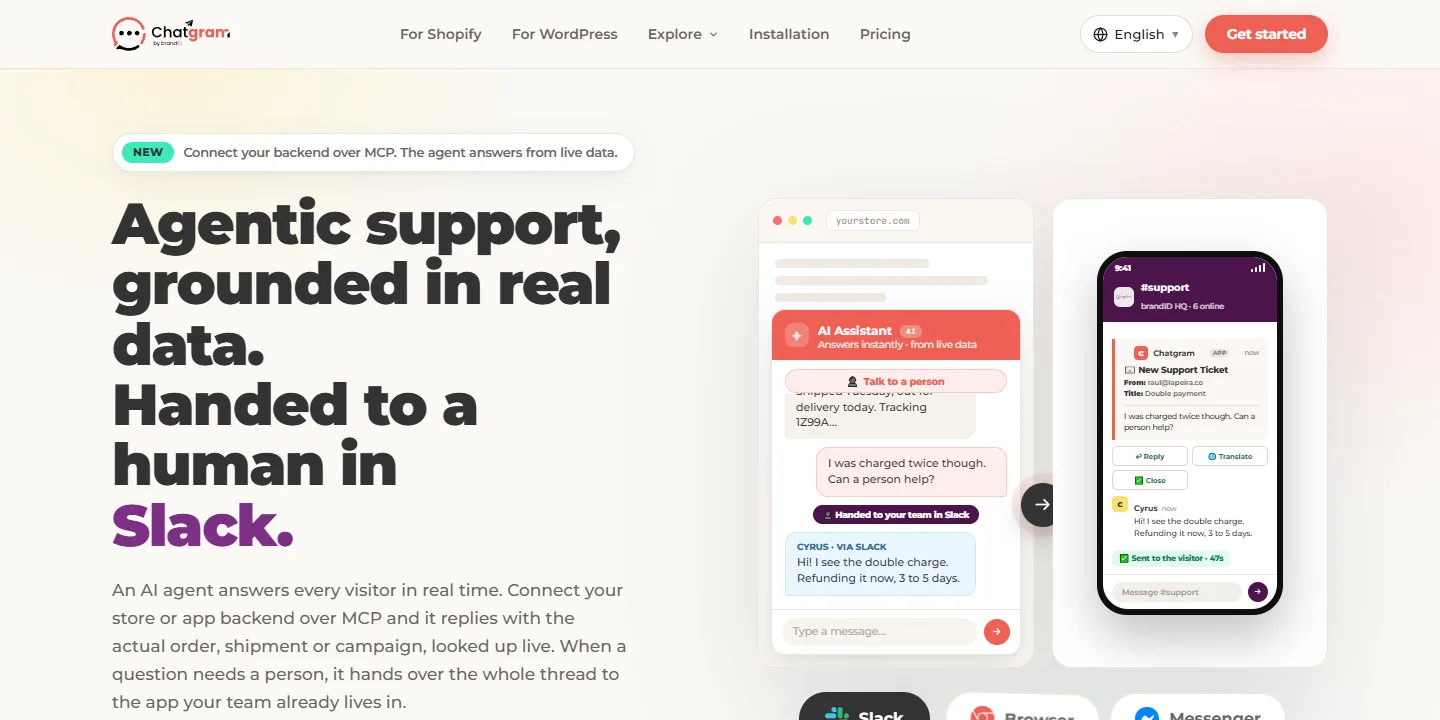
Chatgram is an agentic AI live chat and helpdesk built for websites and online stores that want answers grounded in real data. Its AI agent learns your site, products and past tickets on day one, then connects to your Shopify or WooCommerce store, or your own app, over MCP, so “where is my order?” gets the actual order, shipment or account status at the moment the customer asks. Every reply carries a confidence score: the AI answers on its own when it is sure and hands refunds and tricky cases to a person in Slack, Telegram, Messenger or the browser, with the full thread attached. Paid plans have no per-agent fees, so the whole team joins for one flat price.
| Key features |
|
|---|---|
| Pricing | $0 · $9 · $139 Free (Solo), Studio and Studio+ per month billed yearly ($24 and $259 monthly). One flat price for the whole team, with no per-agent fees on paid plans. |
| AI | Included on every plan, metered in AI tokens by tier (50K a month on Free, 200K on Studio). More AI volume moves you up the pricing slider, with no per-resolution fees. |
| Channels | Website chat, WhatsApp, Messenger, Instagram, TikTok, Telegram and contact forms included |
Pros
- No per-agent fees: the whole team for one flat price
- AI answers from live order and account data, not only documents
- Agents reply from Telegram or Slack, wherever they are
- Answers in 180+ languages with built-in AI translation
Cons
- A newer platform, so the integration catalog is still growing
- Very high AI volume calls for a larger token tier
- The free plan covers 1 agent and 20 conversations a month
2. Intercom
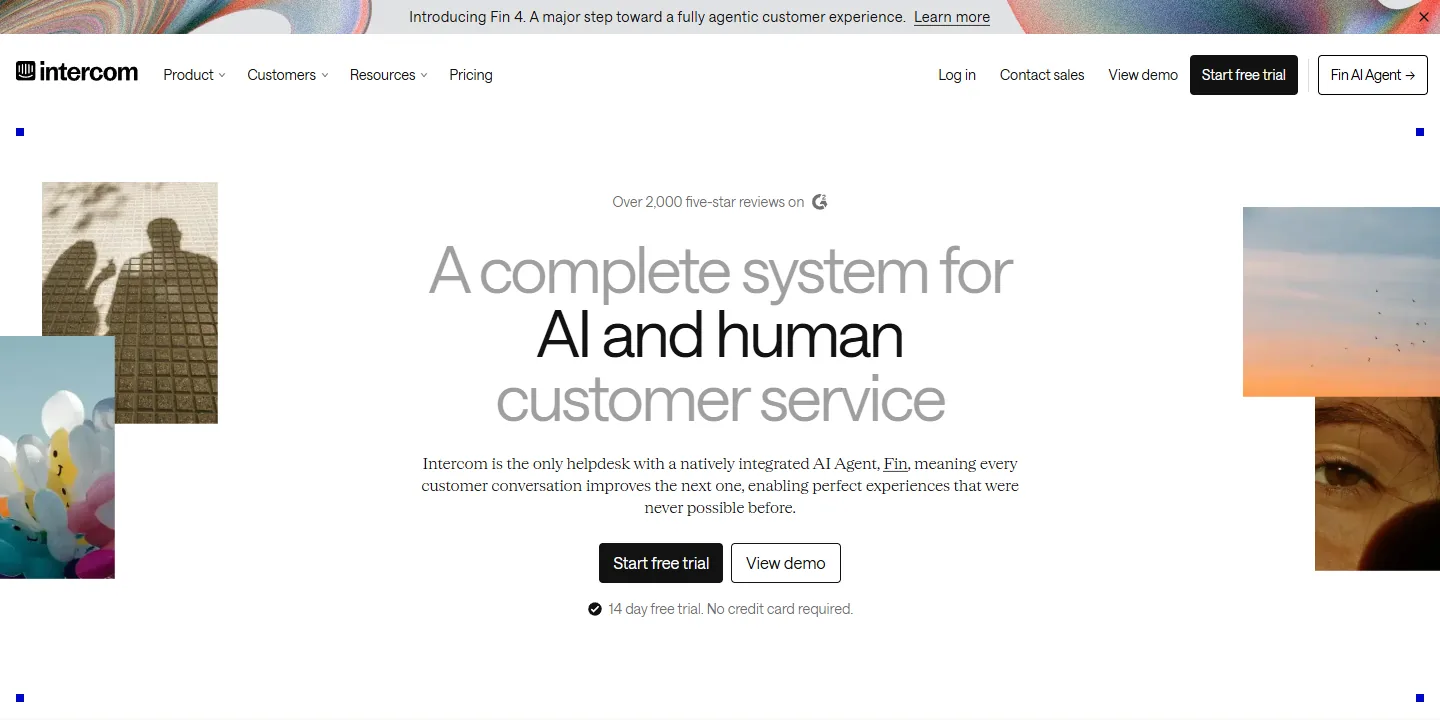
Intercom is a customer service platform made of two connected products: the Intercom helpdesk for your team and Fin, its AI agent. Customers chat through the Intercom Messenger on your site or in your app. Fin answers first from your help center and the procedures you train it on, and you can test it on simulated conversations before it goes live. Anything it cannot finish moves to the shared inbox with the full thread, where agents work with Copilot.
| Key features |
|
|---|---|
| Pricing | $29 · $85 · $132 Essential, Advanced and Expert, per seat a month billed yearly. New customers currently get 35% off Essential. No free plan; 14-day trial, no card. |
| AI | Fin $0.99 per outcome, on every plan, and Fin also works on other helpdesks. Copilot for agents is $29 per seat a month. |
| Channels | Live chat, email and in-app messages included; SMS, WhatsApp and phone are paid add-ons |
Pros
- 76% average AI resolution rate across 12,000+ customers, per Intercom
- One inbox and customer record for AI and humans
- Strong in-app messaging for software products
Cons
- Two meters: seats plus Fin outcomes
- No free plan
- Key automation starts at $85 a seat
3. Zendesk
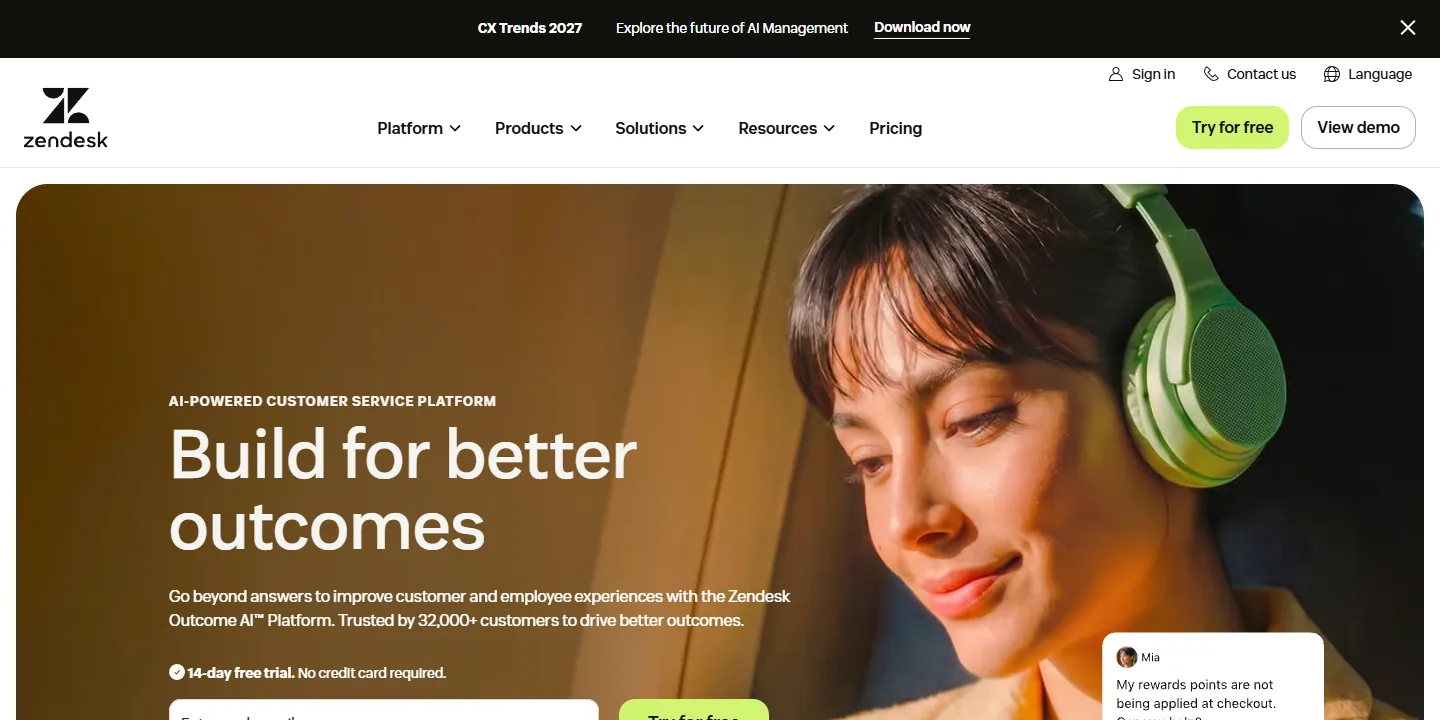
Zendesk is a customer service platform that combines ticketing, a help center, messaging, voice and quality assurance with its own AI agents. The AI agents answer across web, mobile, social, email and voice using your knowledge, policies and past resolutions, and can take actions through APIs and connected tools. What they cannot resolve is routed to the right team in the Zendesk agent workspace with the full context.
| Key features |
|
|---|---|
| Pricing | $55 · $115 Suite Team and Suite Professional, per agent a month billed yearly ($69 and $149 monthly). Enterprise on request. No free plan; 14-day trial. |
| AI | 5 or 10 resolutions per agent, included each month on Team and Professional, then $1.50 each committed or $2.00 pay as you go. Copilot is $50 per agent a month. |
| Channels | Messaging, live chat, email, phone, social and help center included |
Pros
- One suite for every channel, with mature routing and reporting
- AI agents can take actions through APIs and connected tools
- The largest app marketplace on this list
Cons
- Highest five-agent cost among the alternatives here
- Overflow AI resolutions cost up to $2.00 each
- No free plan
4. Tidio
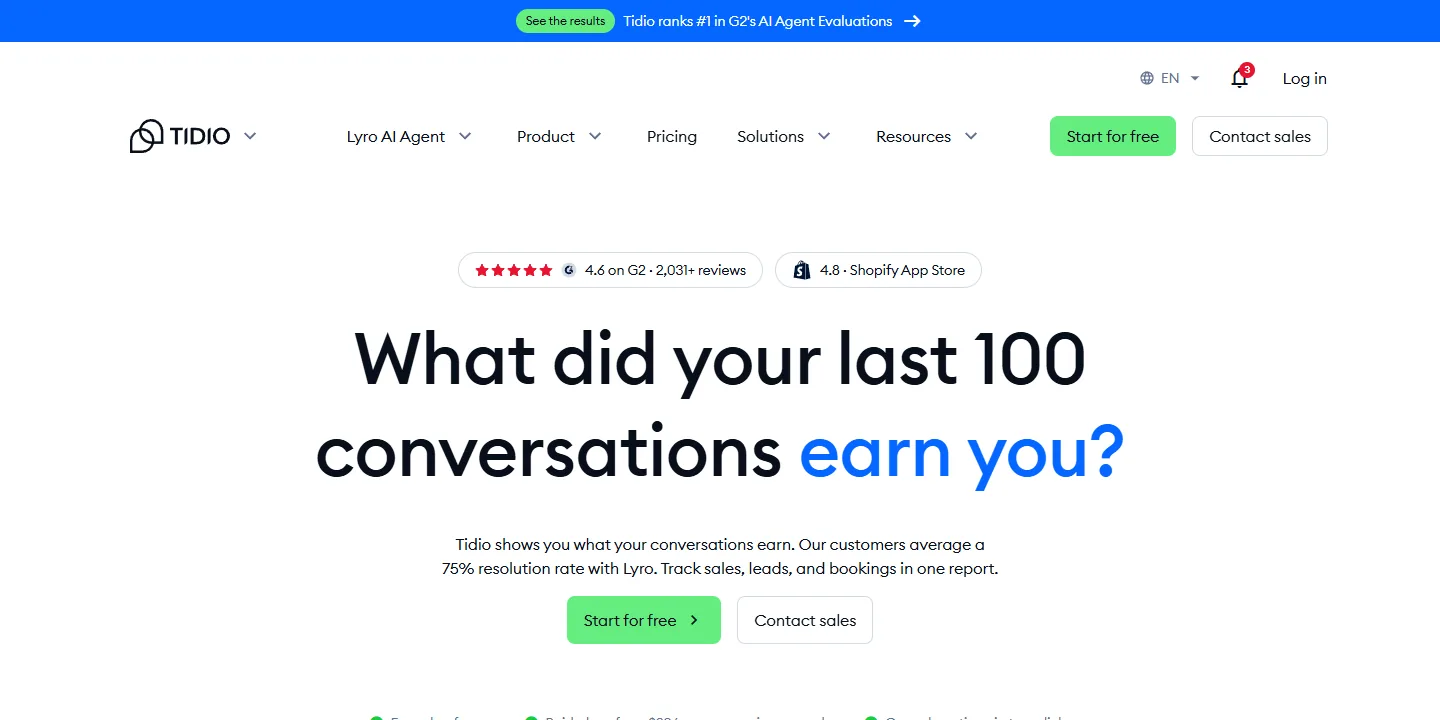
Tidio is a live chat and helpdesk tool for small businesses, with a visual automation builder called Flows and an AI agent called Lyro. Lyro answers in the chat widget and over email using only your website, help center and product data, recommends products, and with Smart Actions can handle tasks such as order updates. When it is unsure, it says so and passes the conversation to your team in a shared inbox.
| Key features |
|
|---|---|
| Pricing | $0 · $33 · $63 Free, Starter and Growth (from $63) a month; Plus starts at $300. Starter and Growth allow up to 10 seats and are priced by conversation volume. |
| AI | Lyro shares your plan quota, and extra pay-as-you-go conversations cost $0.50 each. Every account starts with 50 free Lyro conversations. Tidio reports a 75% average resolution rate. |
| Channels | Live chat, email, Messenger, Instagram and WhatsApp included |
Pros
- Quick setup and a friendly flow builder
- Pricing follows conversations, not headcount
- Tidio reports a 75% average Lyro resolution rate
Cons
- A busy month can push you into the next tier
- Lyro Connect actions need Plus or Premium
- The 7-day trial is short
5. Gorgias
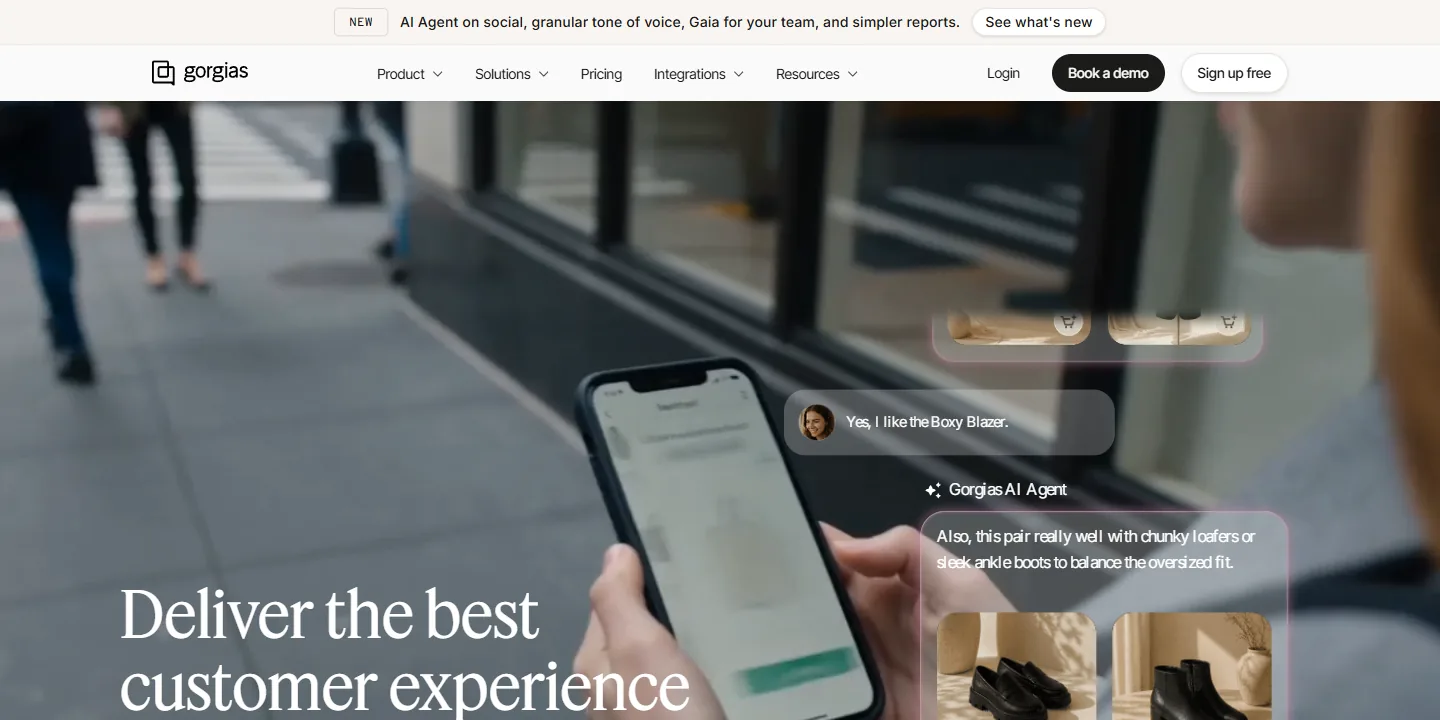
Gorgias is a helpdesk and AI agent built for ecommerce, and says it powers customer conversations for 40% of Shopify brands. Its AI Agent, which Gorgias says is pre-trained on more than a billion conversations, answers over chat, email, SMS, WhatsApp, Instagram, Facebook and voice using live Shopify data and your policies, and can cancel orders, apply discounts or upsell inside the conversation. Hand-offs land in the Gorgias inbox with the context attached, where agents edit orders and issue refunds without leaving the ticket.
| Key features |
|
|---|---|
| Pricing | $40 · $90 · $550 Starter, Basic and Pro a month on monthly billing, AI Agent included (50, 300 and 2,000 tickets). Advanced is $1,430; yearly billing is cheaper. Never priced per agent. |
| AI | $0.85 to $1.00 per interaction, depending on plan, and each automated interaction also counts as a ticket. Gorgias says its AI can automate 60% of support. |
| Channels | Live chat, email, Instagram, Facebook and WhatsApp included; SMS and voice are paid add-ons |
Pros
- The deepest Shopify integration on this list
- Priced by tickets, with up to 500 seats on paid plans
- The AI can act on orders, not only answer questions
Cons
- Ticket overage costs $36 to $40 per 100
- Each AI interaction also uses up a ticket
- Built for Shopify, so less useful for SaaS
6. Freshdesk Omni
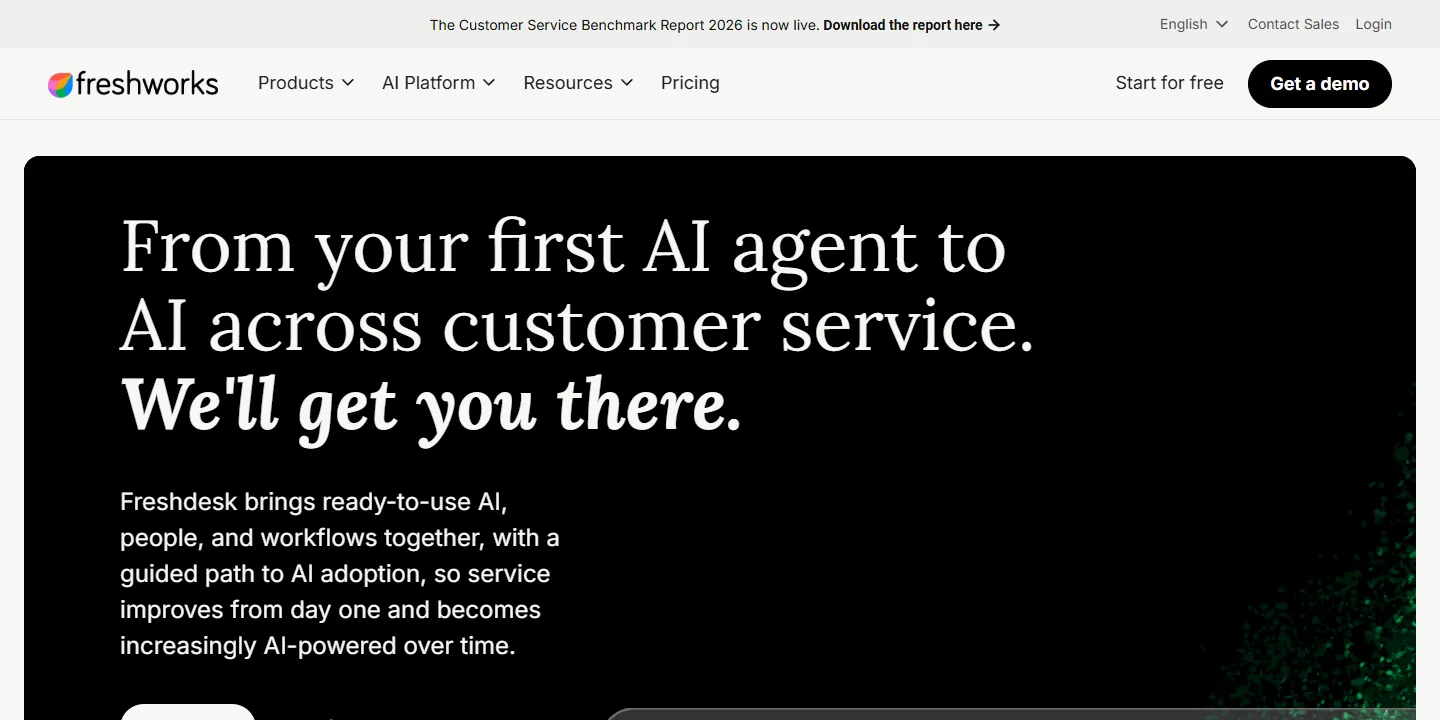
Freshdesk Omni is Freshworks’ omnichannel helpdesk, and it now includes what used to be sold as Freshchat. Email, chat, phone and messaging land in one workspace, and Freddy AI agents answer customers across those channels and take actions to resolve requests. Human agents work alongside Freddy AI Copilot, which recommends next steps, and an MCP connection lets outside AI tools work with your Freshdesk data.
| Key features |
|
|---|---|
| Pricing | $29 · $79 · $119 Growth, Pro and Enterprise, per agent a month billed yearly. No free plan on Omni; 14-day trial. |
| AI | 500 free sessions, then $49 per 100, about $0.49 a session, counted even when the issue is not resolved. Copilot is $29 per agent a month. Freshworks claims resolution rates of up to 80%. |
| Channels | Live chat, email, phone, WhatsApp, Messenger and Instagram included |
Pros
- A full helpdesk and chat for little more than LiveChat Essential
- Wide channel coverage in one workspace
- MCP connection for outside AI tools
Cons
- AI sessions are billed even when nothing gets resolved
- Copilot only on Pro and Enterprise
- Freshchat no longer has its own pricing
7. HubSpot Service Hub
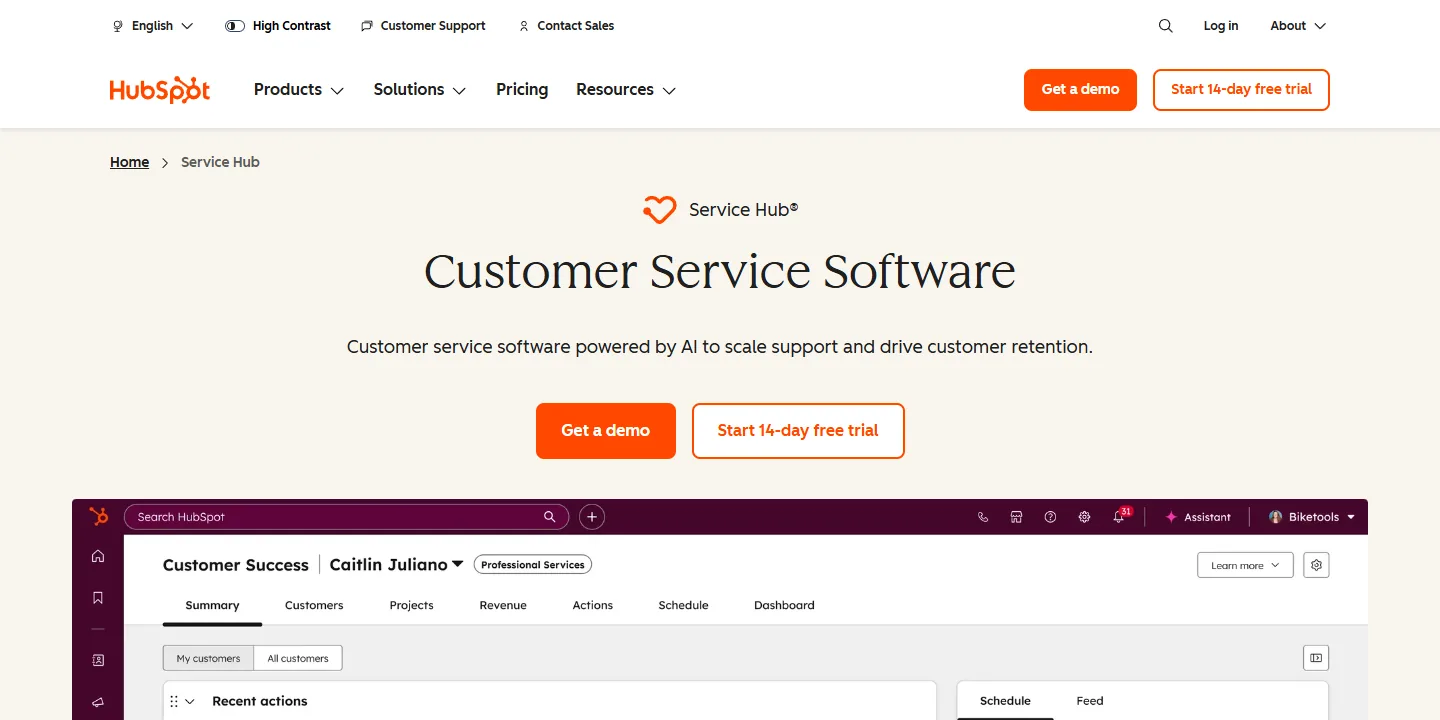
Service Hub is HubSpot’s customer service software, built on the same CRM as its marketing and sales tools. Live chat, email and a shared help desk come first. HubSpot’s Customer Agent answers over chat, email, WhatsApp, Messenger and voice using your content, takes actions in the CRM and in Shopify, and hands off to your team with the full context. Every conversation attaches to the contact record, so support and sales see the same customer.
| Key features |
|
|---|---|
| Pricing | $0 · $7 · $90 Free for up to 2 users; Starter from $7 a seat a month ($20 paid monthly); Professional $90 a seat billed yearly plus a one-time $1,500 onboarding fee. |
| AI | About $0.50 per resolution, paid in HubSpot Credits, on Professional and Enterprise only. HubSpot reports a 70% average resolution rate for its Customer Agent. |
| Channels | Live chat, email, WhatsApp and Messenger included; calling and voice are paid add-ons |
Pros
- Every chat is tied to the CRM contact and deal
- Free plan for two users
- The AI agent can act in the CRM and Shopify
Cons
- The AI agent needs Professional at $90 a seat
- $1,500 onboarding fee on Professional
- Free live chat shows HubSpot branding
8. Help Scout
Help Scout is a shared inbox and help center platform with an AI layer called Envoy. Its built-in AI agent, Scout, answers in the website and in-app chat widget using your knowledge base, website and Google Docs, and follows exclusion rules you set for topics it must hand off. Escalations land in the Help Scout inbox with the context carried over, where your team replies on the web or in the mobile app.
| Key features |
|
|---|---|
| Pricing | $25 · $45 · $75 Standard, Plus and Pro, per user a month, with 16% off yearly. Free plan for 5 users and 100 contacts a month; 15-day trial. |
| AI | $0.75 per resolution, with a monthly spending cap you set. Help Scout says Scout resolves 73% of requests on average. |
| Channels | Email, live chat, in-app chat and knowledge base included |
Pros
- The lowest per-resolution AI price we found
- A spending cap prevents surprise AI bills
- Free plan covers 5 users
Cons
- Chat is a feature here, not the center of the product
- Scout email answers are still marked “coming soon”
- Fewer sales tools than LiveChat
9. Crisp
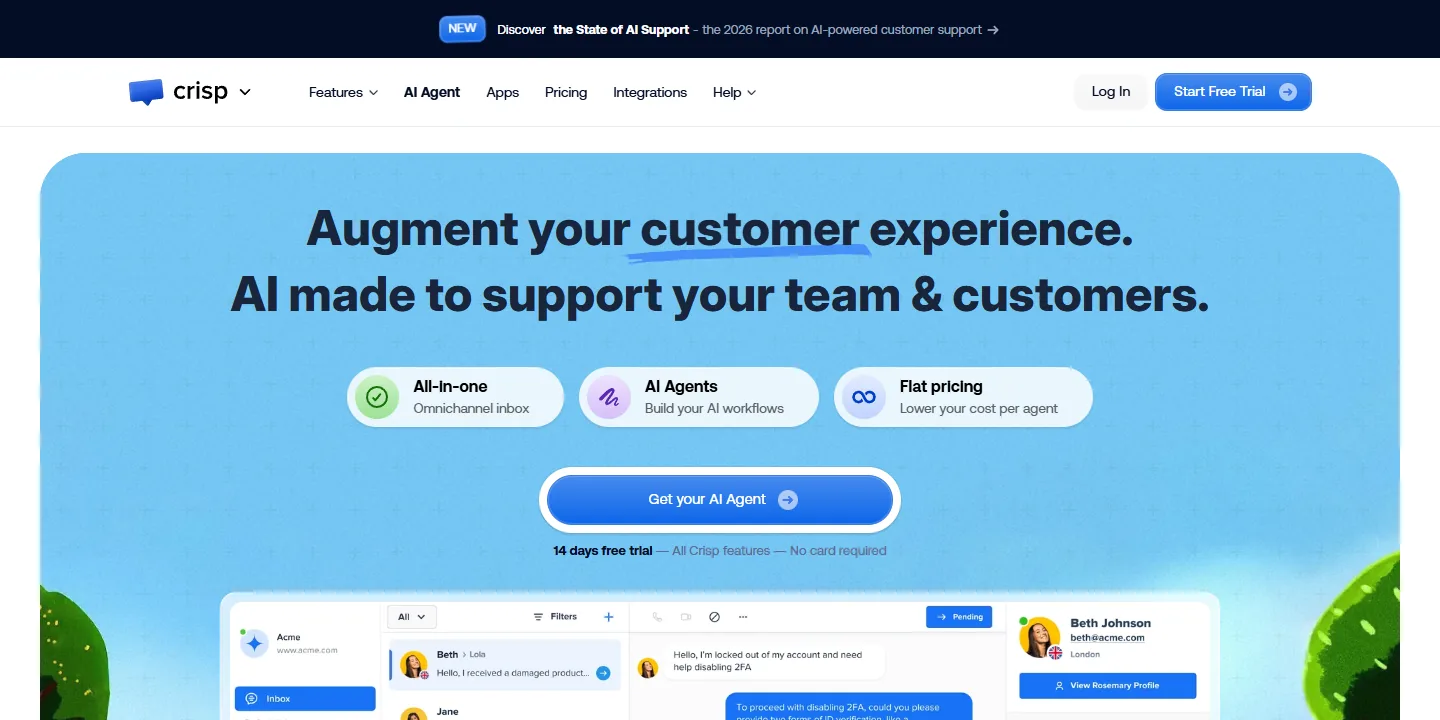
Crisp is a customer support suite with a chat widget, shared inbox, CRM, knowledge base and an AI agent. You train the AI by crawling your website, importing PDFs and CSVs, and using help articles and past conversations, then shape its behavior in a no-code workflow builder and deploy it to chat, WhatsApp, Messenger, Instagram or email. When the AI cannot find an answer it says so, and a teammate picks the conversation up in the shared inbox.
| Key features |
|
|---|---|
| Pricing | $0 · $45 · $95 · $295 Free (2 seats), Mini (4 seats), Essentials (10 seats) and Plus (20+ seats), per workspace a month. Extra agents are $10 a month. |
| AI | AI credits included. $5 on Mini (about 90 automated conversations), $25 on Essentials and $75 on Plus, then top-ups. |
| Channels | Live chat, email, WhatsApp, Messenger and Instagram included |
Pros
- Flat pricing per workspace
- 10 seats for $95 a month
- AI trained on your site, files and past chats
Cons
- Small included AI allowances
- Extra AI is sold as top-ups
- The AI helpdesk features are on Plus
10. Zoho SalesIQ
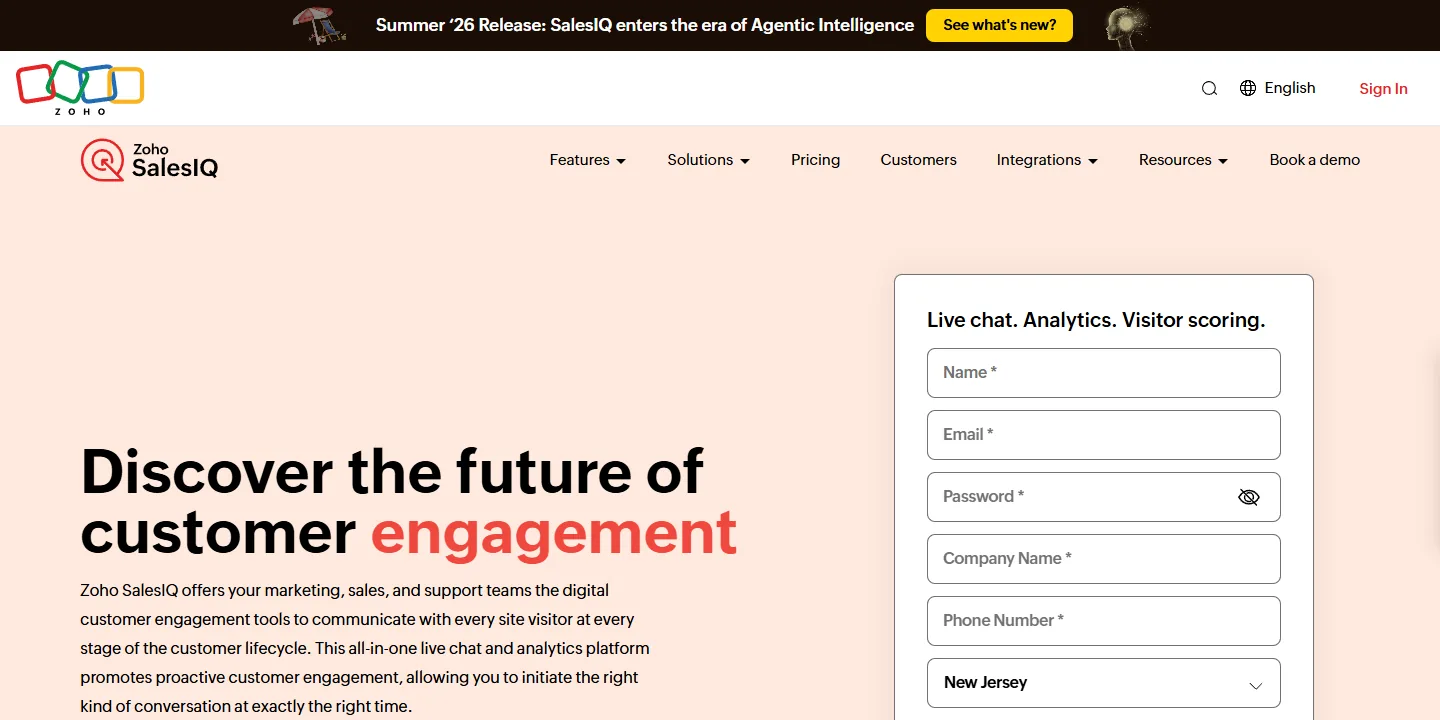
Zoho SalesIQ is a live chat and visitor analytics platform with lead scoring, chatbots and a mobile SDK for in-app chat. Zia Agents, added in Zoho’s Summer 2026 release, pick up chats, pull context from your records, files, databases and connected apps, and escalate to a person with that context when they cannot resolve a request. Operators answer in the SalesIQ web and mobile apps.
| Key features |
|
|---|---|
| Pricing | $0 · $7 · $12.75 · $20 Free for 3 operators and 100 chats a month; Basic, Professional and Enterprise per operator a month billed yearly ($10, $17 and $25 monthly). |
| AI | No separate AI fee listed. Zia and the Answer Bot come with paid plans, and the pricing page shows no per-resolution charge. |
| Channels | Website chat, in-app chat, WhatsApp, Messenger, Instagram and Telegram included |
Pros
- The lowest per-seat price here
- LiveChat-style sales features such as visitor tracking
- Native links to Zoho CRM and Desk
Cons
- A busier interface than LiveChat
- Best value only if you use other Zoho apps
- AI usage limits are not spelled out on the pricing page
11. tawk.to
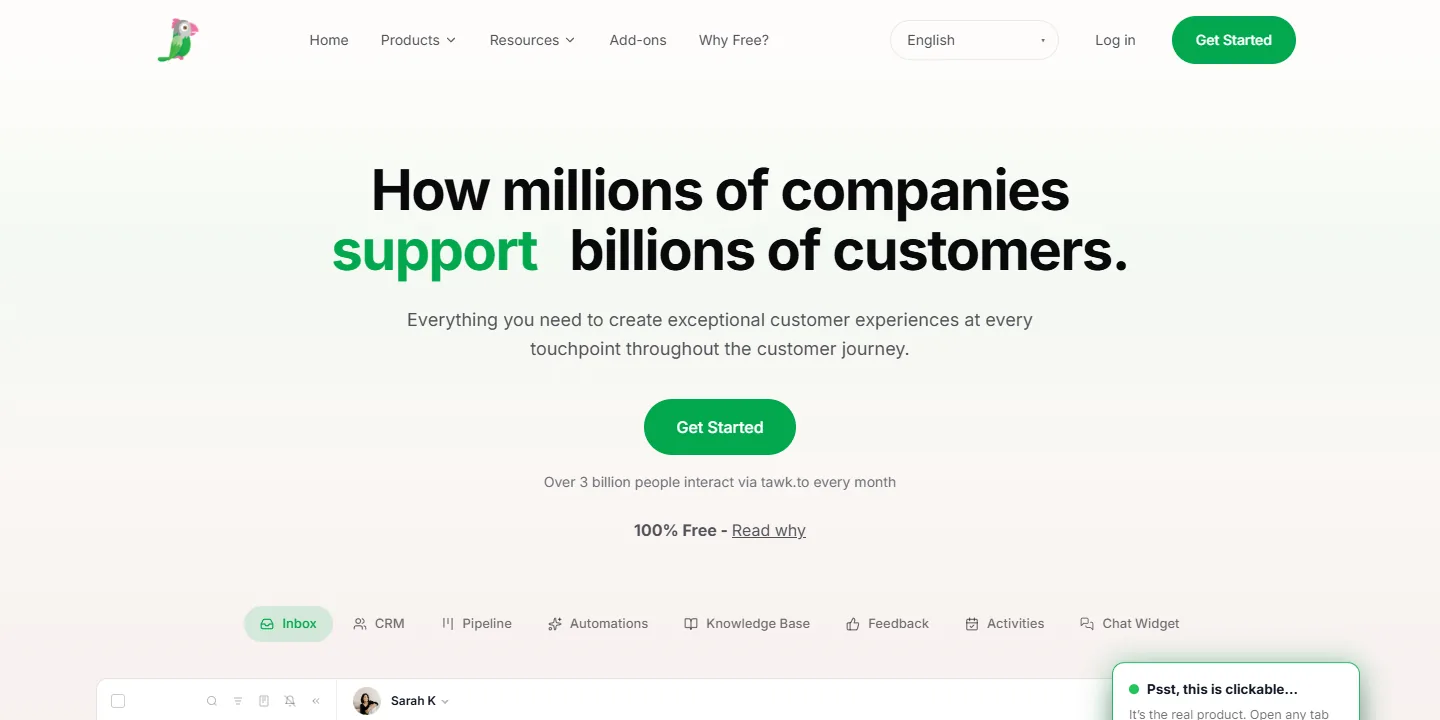
tawk.to is a free live chat and helpdesk platform with an inbox, CRM, knowledge base and automation. You paste one snippet to add the chat widget, and up to 10 AI agents can answer from your FAQs, help center, website pages and uploaded documents, suggesting a human when they do not know. Agents reply from the web dashboard or native apps for iOS, Android, macOS and Windows, and tawk.to can also rent you human agents by the hour.
| Key features |
|
|---|---|
| Pricing | $0 Free with unlimited agents and chats. Branding removal is $29 a month, and hired human agents cost $1 an hour. |
| AI | AI Assist from $29 a month, with a free tier for low chat volume. |
| Channels | Live chat, email, Messenger, WhatsApp, Telegram and SMS included |
Pros
- A free core product with unlimited agents
- Apps for every desktop and phone
- Every paid extra is optional
Cons
- tawk.to branding on the free widget
- Thinner reporting and integrations than paid tools
- The AI add-on’s billing basis is not spelled out
12. Chatwoot
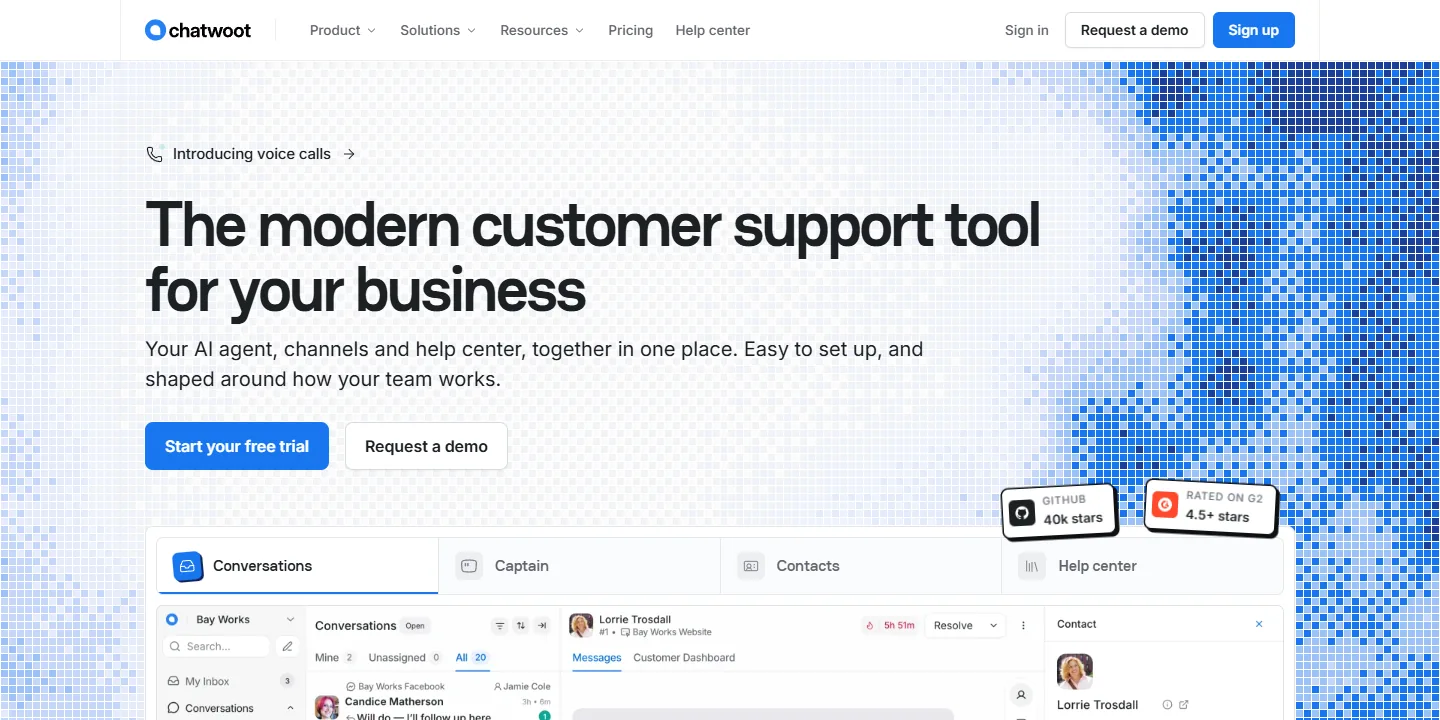
Chatwoot is an open-source customer support platform with a shared inbox, live chat, help center and an AI agent called Captain. Captain learns from your help center, PDFs, website, past conversations and FAQs, answers first-line questions and hands off to agents when needed, while Copilot drafts replies for your team to review. You can run it on Chatwoot’s cloud or host the code yourself.
| Key features |
|
|---|---|
| Pricing | $0 · $19 · $39 · $99 Cloud: free Hacker plan (2 agents, 500 conversations a month, 30-day retention), then Startups, Business and Enterprise per agent a month. |
| AI | 300 to 800 credits a month, by plan, then $20 per 1,000 extra Captain credits. |
| Channels | Live chat, email, WhatsApp, Instagram, Messenger and voice included |
Pros
- Open source, with a self-hosting option
- Wide channel coverage in one inbox
- Used by 15,000+ businesses, per Chatwoot
Cons
- Self-hosting means running upgrades and security yourself
- Cloud per-agent price matches LiveChat Essential
- Modest AI allowances
Also worth a look: LiveAgent (regular prices $15, $29 and $49 per agent a month billed yearly, with AI billed by your own AI provider), Olark ($29 per agent a month, or $400 a month for its AI agent with one seat) and JivoChat (from $28 per agent a month billed yearly, AI agent $69 per agent).
Alternatives to LiveChat for AI customer support
If the reason you are leaving is AI, the seat price matters less than how the AI is billed. Zendesk’s customer service statistics, drawn from its CX Trends research, report that 51% of consumers prefer bots when they want immediate service. Gartner, in an August 2026 survey of 3,566 customers, found that 87% say companies using generative AI for service must still offer a human agent. Your AI tool needs to deliver both: fast answers and an easy way out.
The four ways vendors charge for AI
- Per resolution or outcome. LiveChat ($0.99 in packs), Intercom ($0.99), Help Scout ($0.75), Gorgias ($0.85 to $1.00) and Zendesk ($1.50 to $2.00). You pay only when the bot succeeds, but a good month costs more.
- Per session or conversation. Freshdesk ($49 per 100 sessions) and Tidio (quota shared with human chats). You pay for attempts, successful or not.
- Credits. HubSpot, Crisp and Chatwoot sell credits that different AI features draw down at different rates (HubSpot’s AI agent works out to about $0.50 per resolution). Flexible, but harder to forecast.
- Included allowance. Chatgram includes AI on every plan and meters it in tokens, and LiveAgent lets you plug in your own AI key. Predictable, as long as your volume fits the allowance.
To see the difference, take a store with 2,000 chats a month where AI resolves half. At $0.99 per outcome that is about $990 a month in AI fees alone, on top of seats. At $2.00 pay as you go it is $2,000. Under an included allowance the AI line stays fixed until you change tiers.
What separates a useful AI agent from a FAQ bot
- Live data, not just documents. “Where is my order?” can only be answered from your store or database. Ask each vendor how the bot reads orders, shipments or account status, and test it with a real order number.
- A confidence threshold. The bot should know when it does not know, and hand over instead of guessing.
- A handoff with context. When a person takes over, they should see the full thread and the records the AI already pulled, so the customer never repeats themselves.
- Rules for sensitive topics. Refunds, cancellations and complaints often belong with a human. Check you can mark them as human-only.
- Reporting you can trust. You need to see what the AI resolved, what it handed off and how customers rated both, next to your human agents.
This is the gap Chatgram was built to close. Its AI agent answers from your website, catalog and past tickets on day one; connect your Shopify or WooCommerce store, or your own app over MCP, and it looks up the real order or account at the moment the customer asks. Shopify merchants can install it as a native app that reads live orders and stock, and WordPress sites can use the official plugin. If you are weighing AI against adding people, our guide to customer support outsourcing compares the cost of both.
See how much of your chat volume AI can take
Add the Chatgram widget, point it at your site or store, and watch the leaderboard compare it with your agents. Free plan, no card needed.
How to choose the right LiveChat alternative
Write down your real volume
Pull last quarter’s numbers from LiveChat: agents who logged in, chats per month, your busiest month and the share of chats that were simple lookups.
Decide what grows faster
If headcount will grow, avoid per-seat pricing. If customer volume will grow, avoid tight ticket or conversation quotas.
Price your busiest month
Run that month through each shortlisted tool’s pricing, including AI fees and overage, not the average month.
Test the AI on real questions
Feed every trial the same 20 questions from your history, including order lookups and one angry customer. Count correct answers, wrong answers and clean handoffs.
Check the integrations you cannot lose
Store platform, CRM, Slack, analytics and SSO. Confirm each one on the vendor’s integration page or in the trial itself.
How to switch away from LiveChat without losing anything
- Export your history first. On Essential, only 60 days of conversations stay visible, so export transcripts and tickets you need for disputes, training or analytics before the plan ends. LiveChat’s help center lists the current export options for your plan.
- Copy canned responses and tags. These are years of tuned wording. Paste them into the new tool’s saved replies and use them to train its AI.
- Run both widgets on a test page. Install the new widget on a staging or low-traffic page for a week before you remove LiveChat from the live site.
- Move integrations and routing. Rebuild your rules for business hours, departments and languages, and reconnect your store, CRM and notifications.
- Swap the widget and watch the first week. Compare first response time, chat volume and CSAT with your LiveChat baseline, then cancel before the renewal date.
Conclusion: which LiveChat alternative should you pick?
LiveChat, now sold as Text, is still a capable tool, but its per-user pricing, the limits on Essential and metered AI make it expensive for growing teams. The best LiveChat alternatives fix the specific cost that is hurting you. If seats are the problem, look at flat or volume pricing: Chatgram, Crisp, Tidio or Gorgias. If you need a full suite, Zendesk and Freshdesk Omni cover more channels. Intercom leads for software companies, HubSpot for teams already in its CRM, Help Scout for email-first support, and tawk.to, Zoho SalesIQ and Chatwoot for the tightest budgets.
Whichever you choose, price your busiest month rather than your average one, and test the AI on your own customers’ questions before you trust it. If you want unlimited agents, AI that answers from your live store or app data, and a leaderboard that scores people and AI side by side, Chatgram’s free plan is a low-risk place to start.
Frequently asked questions
What is the best alternative to LiveChat?
It depends on what is driving the switch. For AI-first support with unlimited agents, Chatgram. For a full enterprise suite, Zendesk. For SaaS and in-app support, Intercom. For Shopify stores, Gorgias. For the lowest cost, tawk.to (free) or Zoho SalesIQ ($7 per operator a month billed yearly).
Is there a free alternative to LiveChat?
Yes. tawk.to is free with unlimited agents. HubSpot Service Hub is free for 2 users, Zoho SalesIQ for 3 operators and 100 chats a month, Crisp for 2 seats, Chatwoot’s cloud for 2 agents and Chatgram for 1 agent and 20 conversations a month. Free plans usually show the vendor’s branding.
How much does LiveChat cost in 2026?
New plans are sold as Text. Essential costs $19 per user a month billed yearly ($25 monthly), Growth $79 billed yearly ($99 monthly), and Enterprise is custom. Essential includes 10 AI resolutions a month, Growth 200, and extra packs of 50 cost $49.50.
Why is LiveChat now called Text?
LiveChat’s pricing page now sells new plans under the Text name, describing it as live chat software from the team behind LiveChat.com, HelpDesk.com and ChatBot.com. The page includes guidance on which Text plan matches older LiveChat plans.
Who are LiveChat’s main competitors?
The most common LiveChat competitors are Intercom, Zendesk, Tidio, Freshdesk Omni (Freshchat), HubSpot Service Hub, Help Scout, Gorgias, Crisp, Zoho SalesIQ, tawk.to, LiveAgent, Olark and newer AI-first tools such as Chatgram.
Which LiveChat alternative is best for AI customer support?
Intercom’s Fin is the most established AI agent, billed at $0.99 per outcome. Chatgram includes AI on every plan and answers from live store or app data over MCP. Help Scout has the lowest per-resolution price at $0.75. Test any of them on 20 real questions from your own history before deciding.