

A shopper on your product page at 11pm wants to know if the trench coat runs small. Nobody answers, so they buy elsewhere. Shoppers who chat convert at 2.8 times the rate of those who do not, according to BoldChat’s benchmark study.
A live chat app for Shopify closes that gap, but ratings, prices and AI vary widely. We compared the 12 best on their App Store listings (November 21, 2026). If an agency is also on your list, our guide to customer support outsourcing covers that route.
What to look for in a Shopify live chat app
Most live chat for Shopify now comes with some kind of AI, so the old checklist of “chat widget, mobile app, canned replies” no longer separates the good apps from the rest. These six questions do.
1. Does it read live Shopify data?
“Where is my order?”, “is this in stock in medium?” and “does my code work on sale items?” can only be answered from your store.
An app that reads orders, fulfillments, variants and price rules when the customer asks can resolve those chats on its own. One that only reads your FAQ page hands most of them back to you.
2. Can the AI act, and can you control what it does?
The newest apps go beyond answering. They recommend products, add them to the cart, share a discount code, start an exchange or cancel an order.
Check which actions are available and that you can switch each one on or off, so refunds and anything involving money can stay with a person.
3. Does the billing unit fit how you grow?
Apps charge per seat, per conversation, per ticket, per AI reply or a flat monthly price. Seat pricing gets expensive as your team grows; conversation and ticket pricing gets expensive as your store grows.
Price your busiest month, such as Black Friday week, not an average one.
4. Where does a handoff land?
When the AI or the chatbot cannot help, the conversation should reach a person quickly with the full thread attached. Look at where your team will actually reply: a separate dashboard, a mobile app, Slack, Telegram or Messenger.
5. Will it slow your store down?
Every chat widget adds scripts to your theme, so run your product page through Google PageSpeed Insights before and after you install an app.
Shopify awards its Built for Shopify badge to apps that meet its standards for performance, design and integration, which is a useful signal.
6. What do other merchants say?
A 4.8 rating from 1,000 reviews tells you more than a 5.0 from twelve. Read the recent one-star reviews too: they show what breaks after the trial ends, such as surprise overage charges or slow support.
The best Shopify live chat apps at a glance
Ratings, review counts and prices come from each app’s Shopify App Store listing on November 21, 2026, except where noted in the reviews below.
| App | Best for | App Store rating | Free plan | Paid plans start at | AI pricing |
|---|---|---|---|---|---|
| Chatgram | AI that sells and supports | New listing | Yes (1 agent) | $9/mo flat, billed yearly | Included |
| Shopify Inbox | Free, built by Shopify | 4.6 (5,832) | Free | Free | Included |
| Tidio | Small stores on a budget | 4.8 (1,358) | Yes (50 chats/mo) | $29/mo | Lyro plans from $39/mo |
| Chatty | AI sales agent, low price | 4.9 (1,894) | Yes (50 AI chats/mo) | $19.99/mo | $0.075 per extra AI reply |
| Gorgias | Order-heavy support teams | 4.3 (709) | No | $10/mo (50 tickets) | Add-on per automated interaction |
| Re:amaze | Brands with several stores | 4.5 (180) | No | $29/user/mo | 5 to 20 resolutions per user included |
| Chatra | Simple chat with cart view | 4.6 (307) | Yes (limited) | $31/agent/mo | No AI agent listed |
| Zipchat AI | Proactive AI selling | 4.9 (211) | Yes (120 AI replies) | $80/mo | Capped AI replies per plan |
| Willdesk | Low-cost helpdesk | 4.8 (377) | Yes (20 chats/mo) | $16.90/mo | $20 per 100 AI chats (Basic) |
| LiveChat | Sales-led chat teams | 4.4 (50) | No | $19/user/mo, billed yearly | 10 to 200 resolutions included |
| Zendesk | Large, multi-channel teams | 3.2 (96) | No | $55/agent/mo, billed yearly | 5 to 10 per agent, then $1.50 to $2.00 |
| tawk.to | Zero software budget | 3.7 (90) | Free | $29/mo to remove branding | AI Assist from $29/mo |
Only three of the chat apps we checked carry the Built for Shopify badge: Chatty, Zipchat AI and DelightChat. Richpanel, which still appears on several older lists, is no longer available on the Shopify App Store.
12 best live chat apps for Shopify in 2026
Each review shows the app’s homepage, explains what it is and how it works, and then lays out its App Store rating, features, pricing, AI and channels, with pros, cons and a one-line verdict.
1. Chatgram
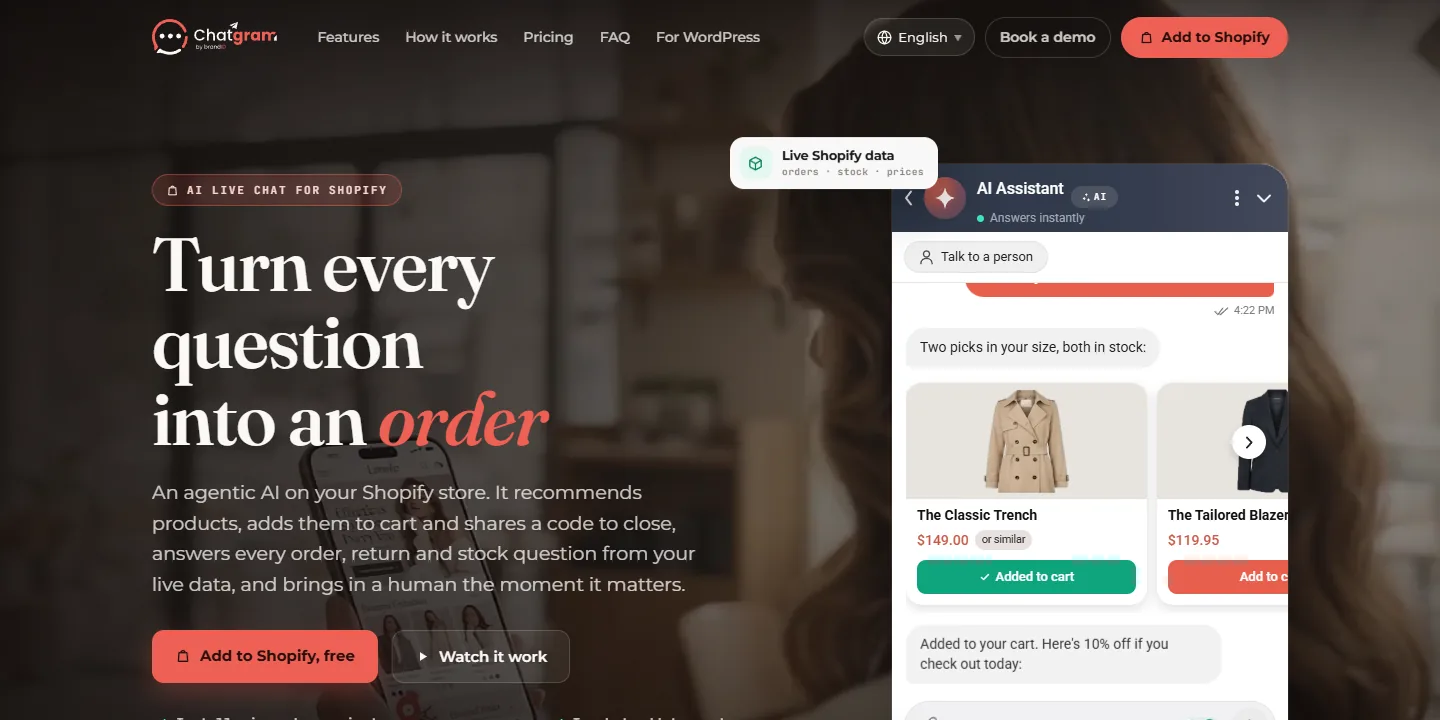
Two jobs usually need two apps: one to sell, one to support. Chatgram is an agentic AI live chat that does both in one conversation, which is why it opens this list of the best Shopify live chat apps.
It reads your full catalog, recommends the right product by size, trait and stock, adds it to the cart inside the chat and shares a discount code at the moment of hesitation, using your real price rules.
The same agent answers order, return and stock questions from live Shopify data, and you choose which actions it takes alone. When a person is needed, the chat lands in Telegram, Slack, Messenger or the browser.
| App Store | New listing (launched May 2026), so reviews are still coming in |
|---|---|
| Key features |
|
| Pricing | $0 · $9 · $139 Free plan (1 agent, 20 conversations a month), then Studio and Studio+ a month billed yearly ($24 and $259 monthly). No seat fees and no per-resolution fees. |
| AI | Included on every plan, metered in AI tokens by tier, so a busy month never brings a per-resolution bill. |
| Channels | Website chat, WhatsApp, Messenger, Instagram, TikTok and Telegram included |
Pros
- Sells and supports in one chat: recommends, adds to cart and closes with a code
- Answers from live orders, stock and price rules, never a stale FAQ
- Unlimited agents on paid plans, with no seat fees
- One-minute install and 180+ languages
Cons
- New on the App Store, so there are no reviews yet
- Very high AI volume calls for a larger token tier
- The free plan covers 1 agent and 20 conversations a month
2. Shopify Inbox
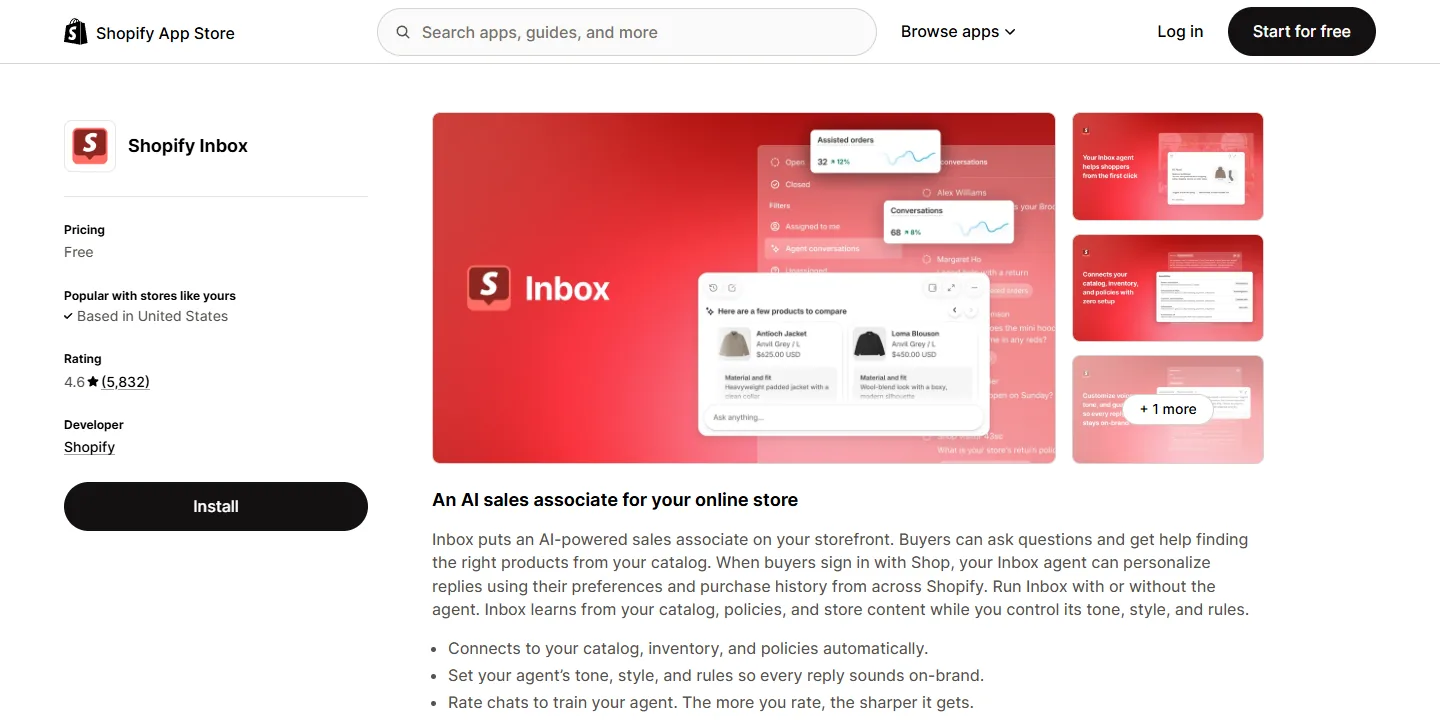
Shopify Inbox is Shopify’s own free chat app. It adds a chat button to your storefront and an AI sales associate, the Inbox agent, that connects automatically to your catalog, inventory and policies.
You set the agent’s tone, style and rules, rate its chats to train it, and personalize replies for buyers signed in with Shop. You answer from the Shopify admin, where analytics show the orders chats assisted.
| App Store | 4.6 ★ from 5,832 reviews, the most of any chat app |
|---|---|
| Key features |
|
| Pricing | $0 Free, with no paid tiers. |
| AI | Included free, the Inbox agent learns from your catalog, policies and store content. |
| Channels | Online store chat included |
Pros
- Completely free
- Built by Shopify, so it reads your catalog, stock and policies out of the box
- The most-reviewed chat app on the App Store
Cons
- Website chat only, with no WhatsApp, Instagram or email inbox
- No ticketing, routing or service levels for a growing team
- Fewer order actions than a full helpdesk
3. Tidio
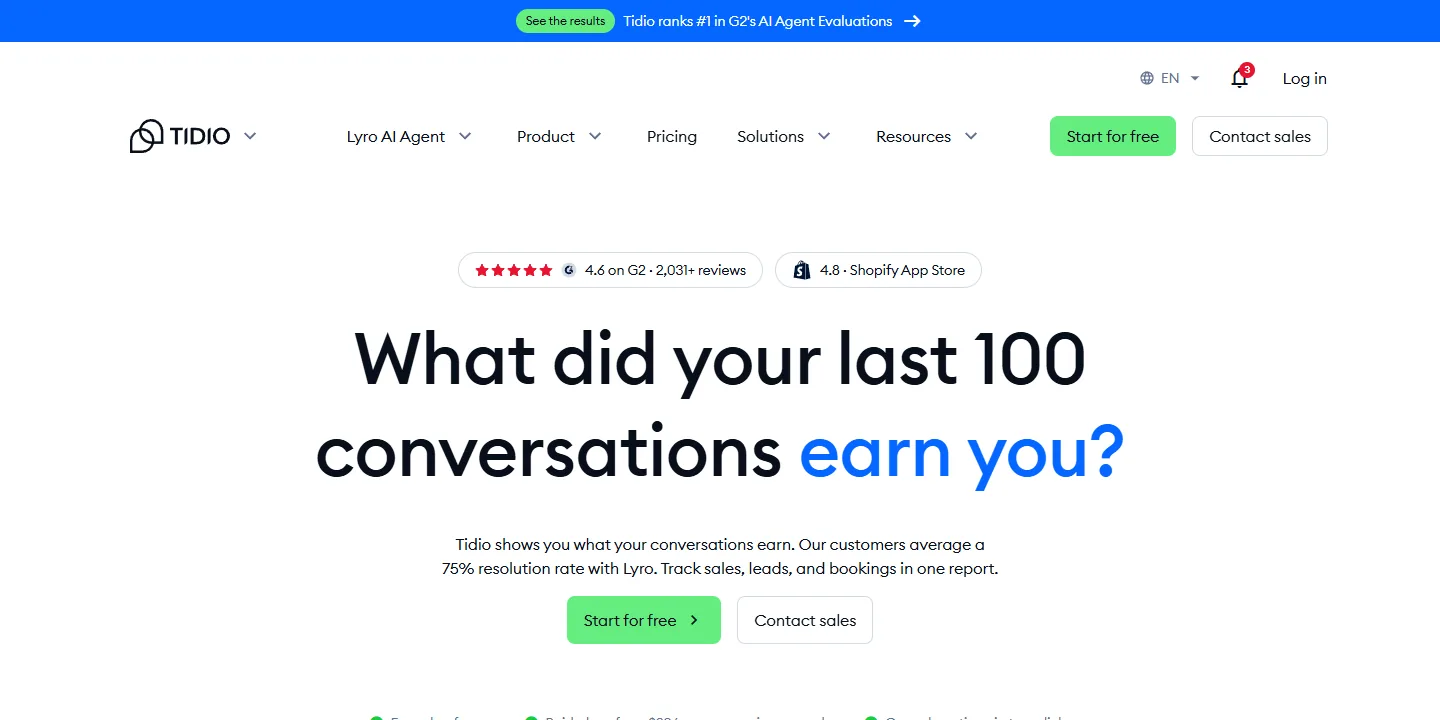
Search for the best chatbot for Shopify and Lyro comes up constantly. It is the AI agent inside Tidio, which packages live chat, a helpdesk and that bot in one Shopify app.
Lyro can start proactive chats, recommend in-stock products and add them to the cart. It also answers FAQs and order status questions in the shopper’s language.
Email, Instagram, WhatsApp and Messenger land in the same inbox, and your team takes whatever Lyro cannot answer.
| App Store | 4.8 ★ from 1,358 reviews |
|---|---|
| Key features |
|
| Pricing | $0 · $29 · $39 Free plan (50 human conversations a month); human-only Starter $29 a month; Lyro AI plans start at $39 a month for 50 conversations and reach $700 for 1,000. 7-day trial. |
| AI | Lyro AI plans from $39 a month. AI and human chats share one monthly conversation quota. Tidio reports a 75% average Lyro resolution rate. |
| Channels | Live chat, email, Instagram, WhatsApp and Messenger included |
Pros
- Well rated by a large user base
- Friendly setup and visual automation
- AI that both sells and supports
Cons
- Flows and the help center cost extra
- Conversation quotas climb fast in a busy month
- AI plans are priced separately from human chat plans
4. Chatty
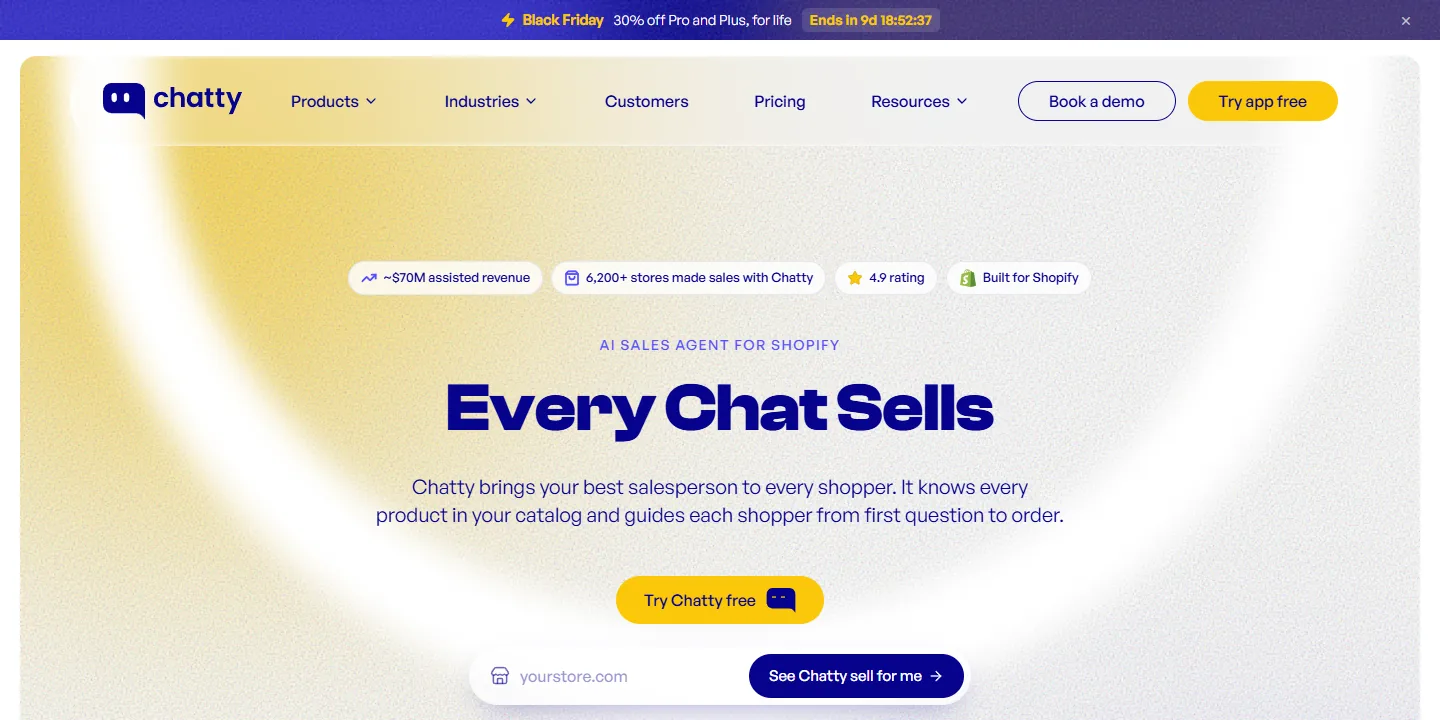
Built for Shopify and nothing else, Chatty is an AI sales agent with live chat and a helpdesk attached.
It answers from your catalog and inventory, recommends products, sends checkout links, applies discounts and recovers abandoned carts.
A unified inbox collects chat, email, WhatsApp, Instagram and Messenger. Chatty says more than 6,200 stores have made sales through it.
| App Store | 4.9 ★ from 1,894 reviews · Built for Shopify |
|---|---|
| Key features |
|
| Pricing | $0 · $19.99 · $68.99 · $199 Free (50 AI conversations a month), then Basic, Pro and Plus a month for 100, 500 and 1,000 AI conversations. 7-day trial. |
| AI | $0.075 per extra AI reply, once you pass your plan’s allowance, up to a monthly cap you set. |
| Channels | Live chat, email, WhatsApp, Instagram and Messenger included |
Pros
- The highest rating among the popular chat apps
- Carries the Built for Shopify badge
- Low entry price with a capped overage
Cons
- Tight AI conversation caps on lower plans
- Cart recovery needs Pro at $68.99
- Less suited to large, multi-team support
5. Gorgias
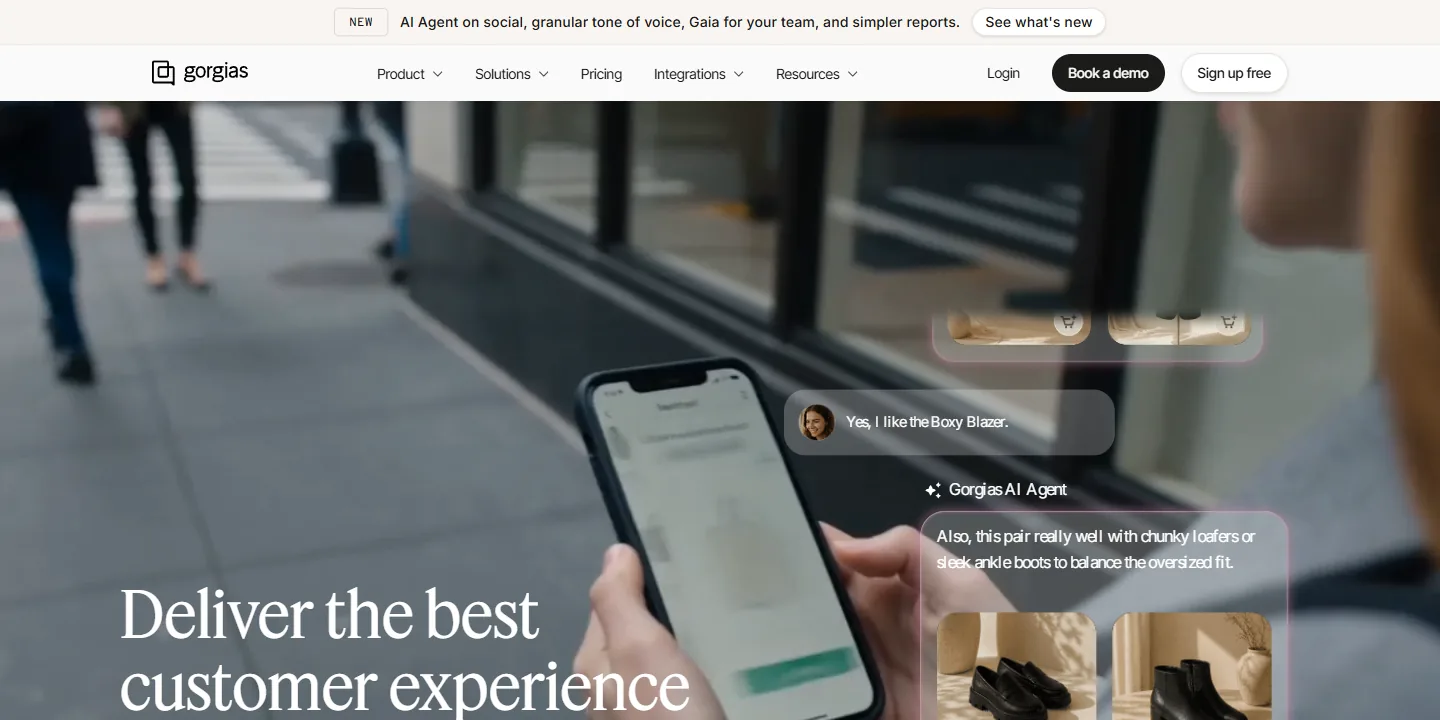
Gorgias is a helpdesk and AI agent built for ecommerce. Chat, email, SMS, social and voice arrive in one inbox, and agents can edit, cancel or refund Shopify orders without leaving the ticket.
Its AI Agent answers order, shipping and return questions from live Shopify data and your policies, while the AI Shopping Assistant handles product questions and recommendations in chat.
| App Store | 4.3 ★ from 709 reviews |
|---|---|
| Key features |
|
| Pricing | $10 · $60 · $360 · $900 Starter, Basic, Pro and Advanced a month for 50, 300, 2,000 and 5,000 tickets. Unlimited agents from Basic; annual billing saves 17%. 7-day trial. |
| AI | AI Agent is an add-on, billed per automated interaction ($0.90 to $1.00 on Gorgias’s pricing page), and each one also counts as a ticket. |
| Channels | Live chat, email, Instagram and Facebook included; SMS and voice are paid add-ons |
Pros
- The deepest order actions of any app here
- Priced by tickets, with unlimited agents from Basic
- A wide ecommerce integration library
Cons
- The AI Agent costs extra on top of the ticket price
- Ticket overage adds up in peak season
- A lower rating than the chat-first apps
6. Re:amaze
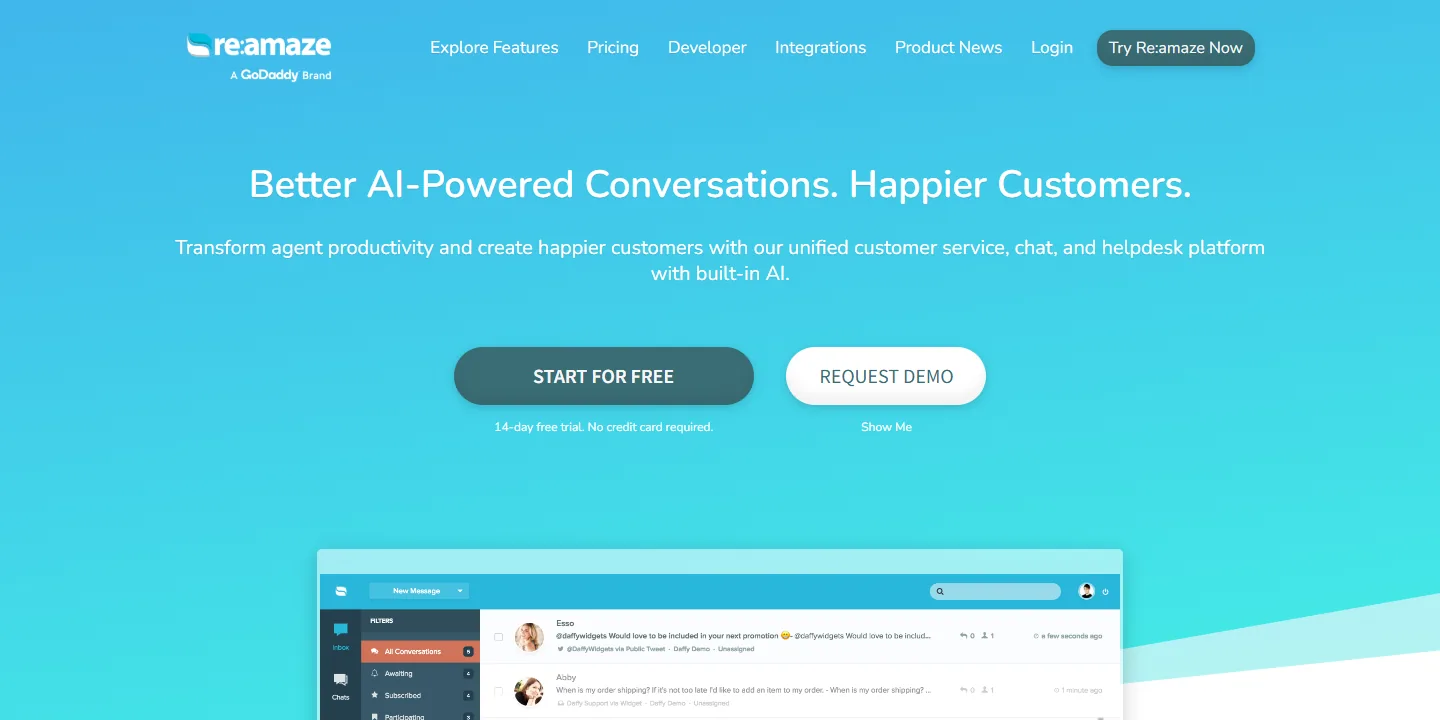
Running several storefronts changes what you need. Re:amaze, a GoDaddy brand, puts email, chat, social, SMS and calls for all of them in one inbox, and adds an AI Agent on top.
Agents can create and edit Shopify orders from the conversation, and AI writes replies, summarizes long threads and generates FAQ articles.
| App Store | 4.5 ★ from 180 reviews |
|---|---|
| Key features |
|
| Pricing | $29 · $49 · $69 Basic, Pro and Plus per staff user a month, or Starter at $59 a month for 500 answered conversations. 14-day trial. |
| AI | 5, 10 or 20 resolutions per user, included each month on Basic, Pro and Plus. |
| Channels | Live chat, email, social, SMS and phone included |
Pros
- Built for brands that run several stores
- Order editing inside conversations
- AI resolutions included with every seat
Cons
- Per-user pricing grows with your team
- Small AI allowance per user
- Fewer reviews than the leaders
7. Chatra
A lightweight option now part of Brevo, Chatra keeps the job simple: chatbots, cart recovery messages and a shared inbox for chat, Facebook, Instagram and email.
Agents see each visitor’s location and cart contents while they chat, and reply from desktop or mobile apps.
| App Store | 4.6 ★ from 307 reviews |
|---|---|
| Key features |
|
| Pricing | $0 · $31 · $41 A small free plan, then Essential and Pro per agent a month. 10-day trial. |
| AI | No AI agent listed. Chatra relies on rule-based chatbots rather than an AI agent. |
| Channels | Live chat, email, Facebook and Instagram included |
Pros
- Quick, simple setup
- Sees what is in the shopper’s cart
- Well rated
Cons
- No AI agent on the listing
- Per-agent pricing
- The free plan is very limited
8. Zipchat AI
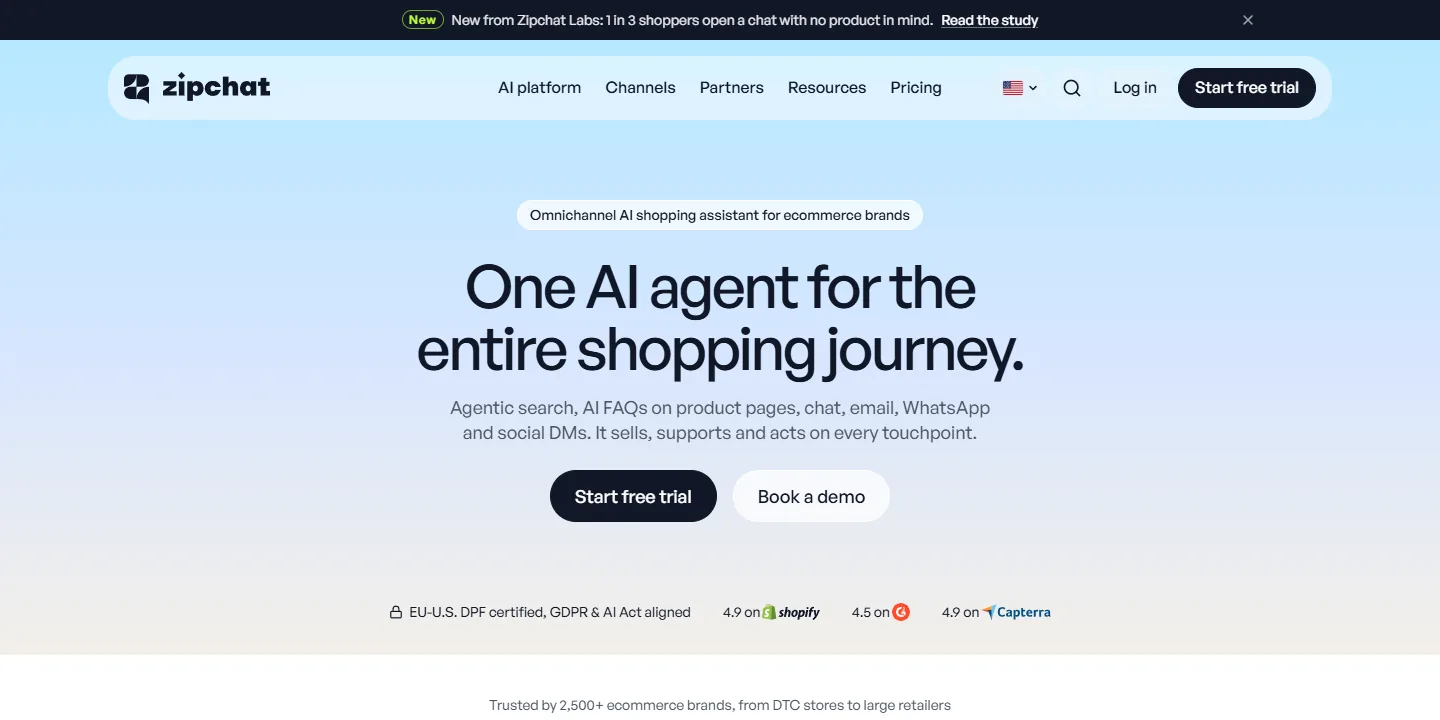
Most chat apps wait to be opened. Zipchat starts the conversation instead, a proactive AI shopping assistant built to turn browsing into sales, with one agent working across chat, WhatsApp, Instagram and email.
It handles order tracking, returns, cash on delivery and discounts, answers product and sizing questions, upsells and recovers carts, and can hand conversations to Gorgias, Zendesk or Re:amaze.
| App Store | 4.9 ★ from 211 reviews · Built for Shopify |
|---|---|
| Key features |
|
| Pricing | $0 · $80 · $300 · $600 Free (120 AI replies, about 50 conversations), then Starter, Pro and Scale a month for 750, 3,000 and 6,000 replies. Annual billing saves 20%. 7-day trial. |
| AI | Capped AI replies per plan, each plan includes a monthly number of AI replies. |
| Channels | Live chat, WhatsApp, Instagram and email included |
Pros
- Built for Shopify, with a 4.9 rating
- Proactive chats aimed at revenue
- Plugs into the helpdesk you already use
Cons
- Paid plans start at $80 a month
- Billed by AI replies, which add up on long chats
- The listing is English only
9. Willdesk
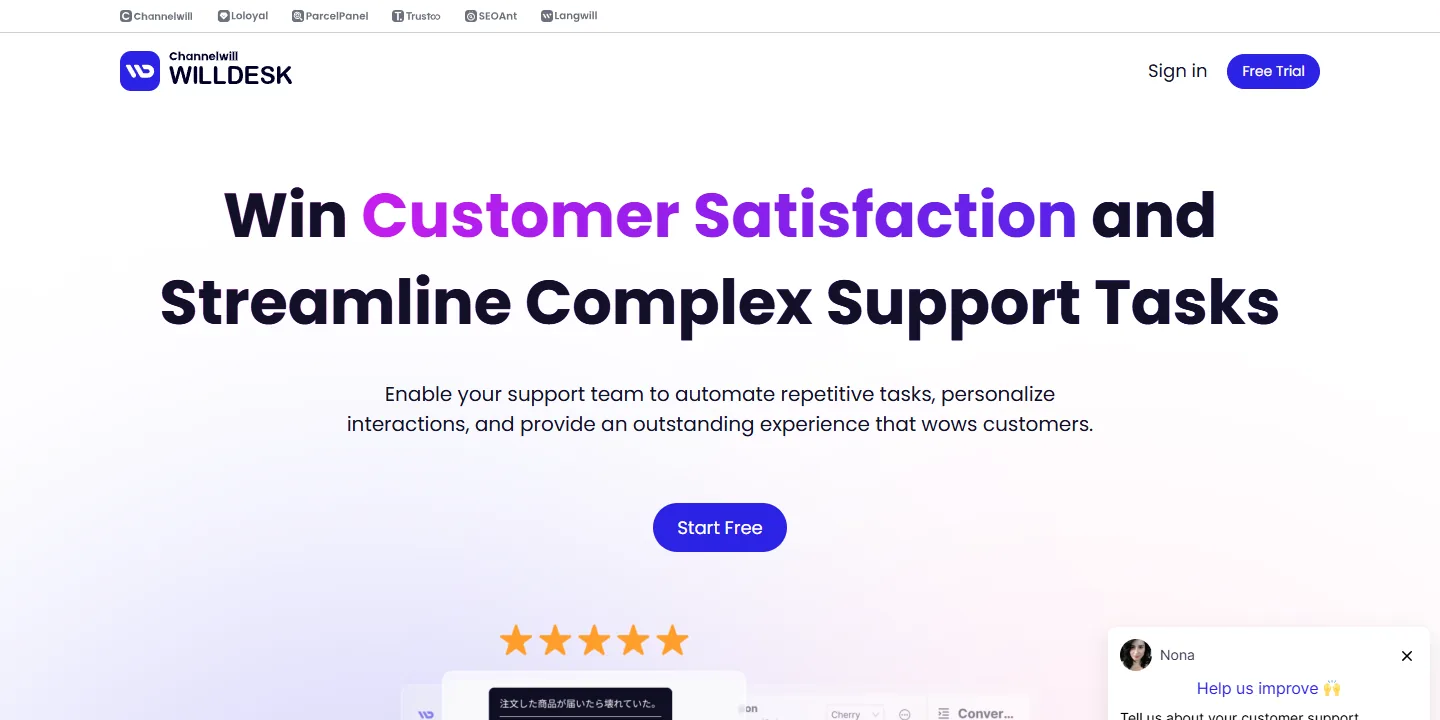
Willdesk, from Channelwill, combines live chat, an AI agent and ticketing for email, chat and social.
The AI agent handles order tracking, returns, cancellations and address changes. A workflow builder runs cart recovery, recommendations and routing, and you can publish help center and FAQ pages.
| App Store | 4.8 ★ from 377 reviews |
|---|---|
| Key features |
|
| Pricing | $0 · $16.90 · $89.90 Free (1 store, 20 conversations, unlimited agents), Basic (3 stores, 100 conversations) and Pro (1,000 conversations) a month. Annual billing saves 30%. 7-day trial. |
| AI | AI billed as overage. $20 per 100 AI conversations on Basic and $200 per 1,000 on Pro. |
| Channels | Live chat, email and social included |
Pros
- Unlimited agents, even on the free plan
- Low entry price
- Available in 21 languages
Cons
- AI conversations are billed on top of the plan
- Low conversation caps on Free and Basic
- A smaller brand than the leaders
10. LiveChat
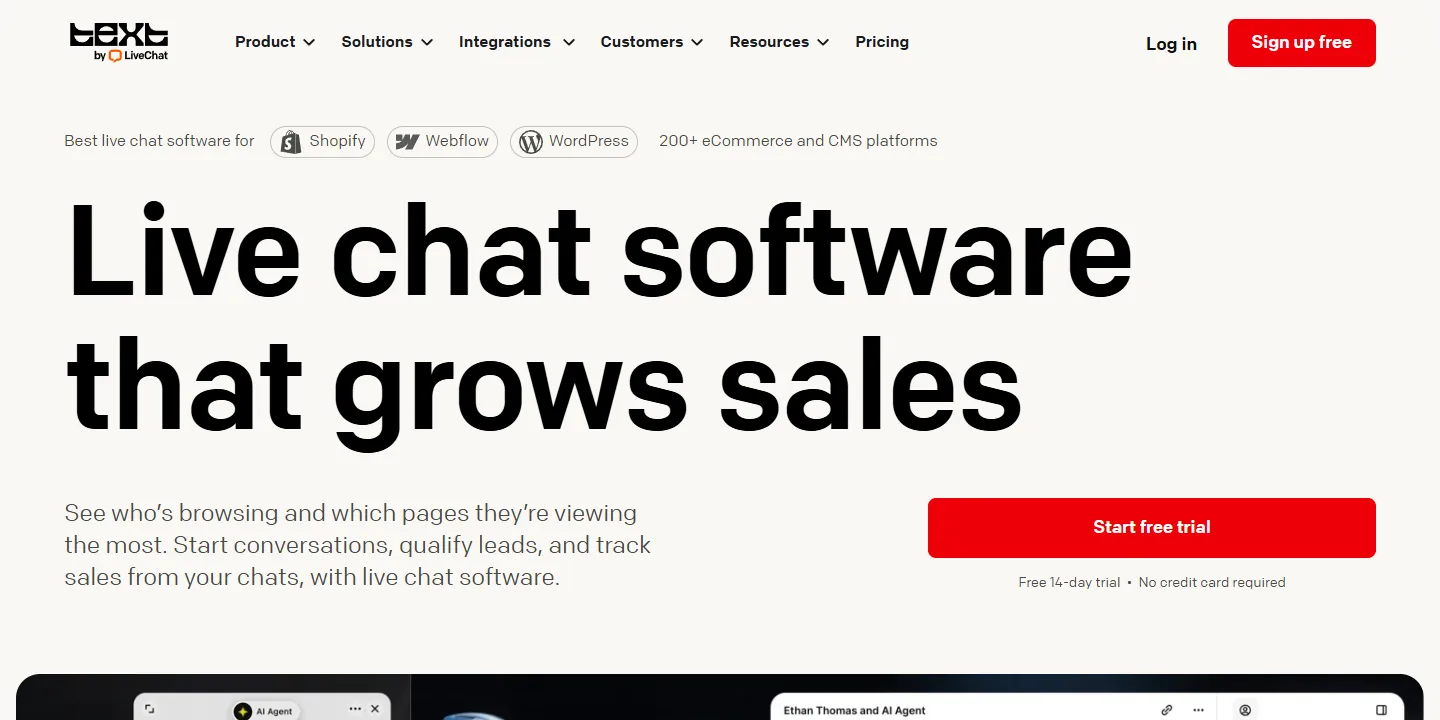
LiveChat, now sold as Text, is a polished live chat with visitor tracking, proactive messages, AI agents and ticketing. On Shopify, agents see each shopper’s cart and past orders, and an AI Copilot suggests replies.
If you are weighing it against other tools, our roundup of LiveChat alternatives compares 12 of them on price.
| App Store | 4.4 ★ from 50 reviews |
|---|---|
| Key features |
|
| Pricing | $19 · $79 Essential and Growth per user a month billed yearly ($25 and $99 monthly), on Text’s own pricing page. The App Store listing still shows older LiveChat plans. 14-day trial. |
| AI | 10 or 200 resolutions a month, included on Essential and Growth, then $49.50 per pack of 50. |
| Channels | Live chat, Messenger, Instagram and WhatsApp included |
Pros
- A mature, polished agent app
- Strong tools for selling in chat
- SOC 2 Type 2 security
Cons
- Per-user pricing
- Essential keeps only 60 days of history
- Few App Store reviews
11. Zendesk
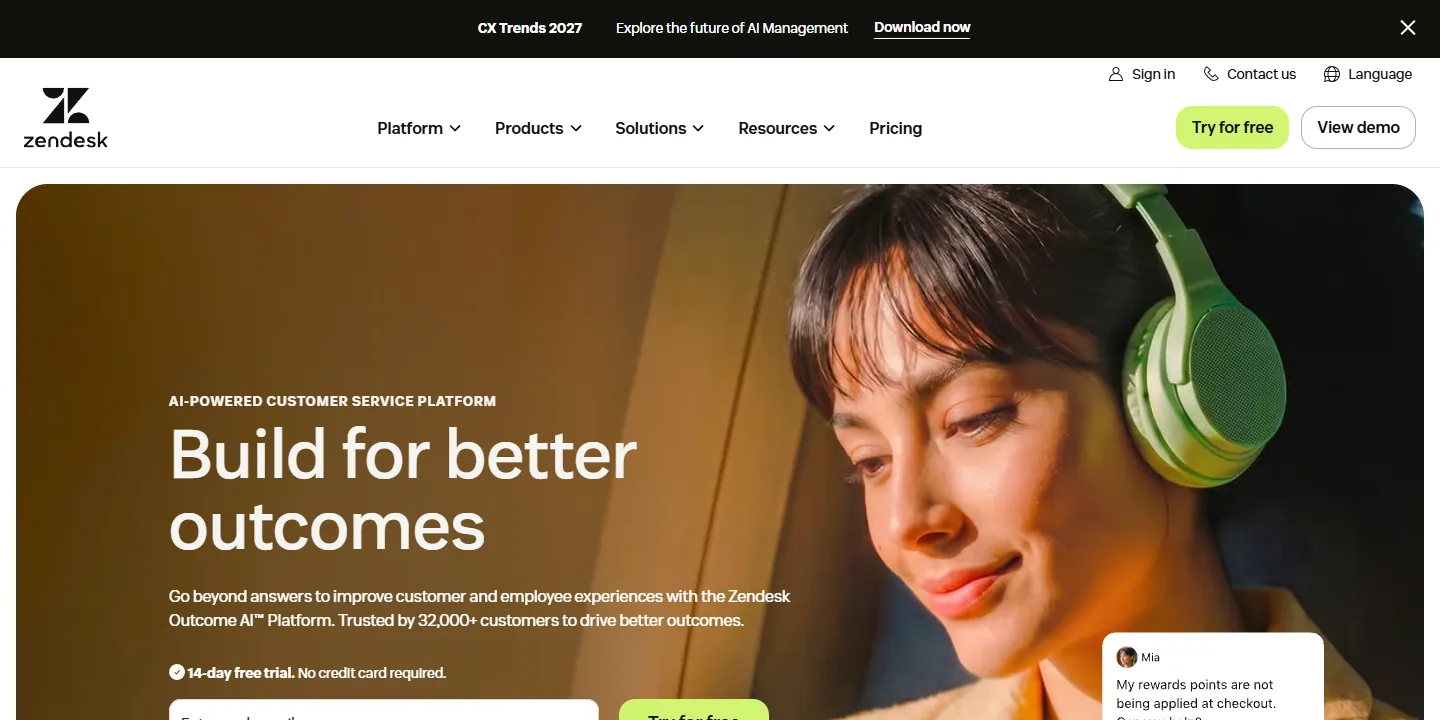
At the enterprise end of this list sits Zendesk, whose Shopify app connects its service suite to your store.
Agents see customer and order data next to each ticket, can refund or cancel orders from the sidebar, and can embed live chat in one click.
Zendesk’s AI agents answer across web, social, email and voice using your knowledge base and policies, and route what they cannot solve to the right team.
| App Store | 3.2 ★ from 96 reviews |
|---|---|
| Key features |
|
| Pricing | $55 · $89 · $115 · $150 Suite Team, Growth, Professional and Enterprise per agent a month, billed yearly. 14-day trial. |
| AI | 5 or 10 resolutions per agent, included each month, then $1.50 to $2.00 per automated resolution. |
| Channels | Messaging, live chat, email, phone and social included |
Pros
- Enterprise-grade suite for every channel
- Order actions in the ticket sidebar
- Huge app marketplace
Cons
- The lowest App Store rating on this list
- The highest per-agent price
- Not built around Shopify
12. tawk.to
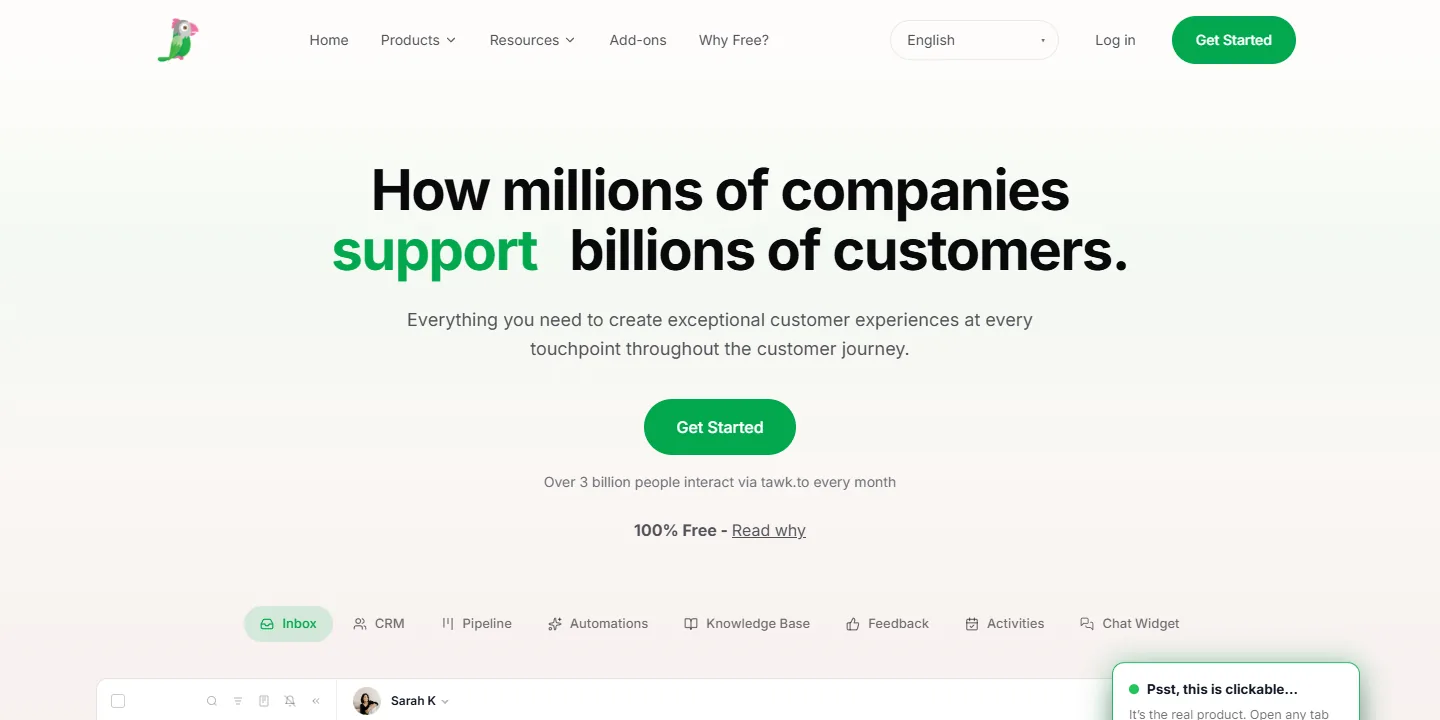
If the software budget is zero, tawk.to is the Shopify live chat extension most stores try first. It is a free live chat and CRM with ticketing and a knowledge base.
Its Shopify app lets you manage orders from chats and tickets, send triggered greetings and use canned replies. Agents answer from the web dashboard or native apps for iOS, Android, macOS and Windows.
| App Store | 3.7 ★ from 90 reviews |
|---|---|
| Key features |
|
| Pricing | $0 Free with unlimited agents and chats. Branding removal is $29 a month. |
| AI | AI Assist from $29 a month, with a free tier for low chat volume. |
| Channels | Live chat, email, Messenger and WhatsApp included |
Pros
- Free, with unlimited agents
- Order lookups from inside the chat
- Apps for every desktop and phone
Cons
- tawk.to branding on the free widget
- A mixed App Store rating
- AI is a paid add-on
Also worth a look:
- Crisp: 4.0 from 34 reviews; free for 2 seats, then $45 a month per workspace.
- DelightChat: for WhatsApp-first stores; 4.9 from 223 reviews, Built for Shopify, $29 a month and up.
- Intercom’s Fin AI Agent: 3.7 from 18 reviews; $0.99 per outcome plus seats.
- eDesk: for sellers who also run Amazon or other marketplaces; 4.7 from 32 reviews, $59 a month and up.
Put an AI agent that sells on your Shopify store
Chatgram recommends products, adds them to cart and answers order questions from your live store data. Free plan, no card needed.
How to add live chat to Shopify
Adding live chat to Shopify takes two steps in the admin, installing the app and switching on its app embed, plus a few minutes of setup. These steps follow Shopify’s own help center.
Install the app from the App Store
Open the app’s listing on the Shopify App Store, click Install, review the data it asks to access and confirm. It then appears under Apps in your admin.
Turn on its app embed
Go to Online Store, click Edit theme, open App embeds, switch the app on and click Save. For Shopify Inbox, the embed is called Online store chat.
Set the look, greeting and hours
Match the widget colors and position to your theme, write a greeting, and set business hours or an automated first reply for when nobody is online.
Connect the AI and the handoff
Point the AI at your catalog and policies, choose which actions it may take on its own, and decide where handed-off chats should go.
Test it on your phone
Ask a real order question from a mobile device, check that the widget does not cover your add to cart button, and remember to switch the embed on again if you change themes.
Conclusion: which Shopify live chat app should you choose?
The best Shopify live chat app is the one that answers the questions your customers actually ask, with your live store data, at a price that still works in your busiest month.
Chatgram leads this list because one AI agent both sells and supports. It recommends products, adds them to cart and answers order and stock questions from Shopify, with unlimited agents and a flat price that starts free.
If you want a free start, Shopify Inbox is the natural first step. Chatty and Tidio are the best-reviewed budget picks, Gorgias and Re:amaze suit teams that live in orders and refunds, and Zendesk and LiveChat fit larger or sales-led teams.
Whichever live chat Shopify app makes your shortlist, install two on a test theme, ask each one your ten most common customer questions, and keep the one that gets them right.
Frequently asked questions
What is the best live chat app for Shopify?
For an AI agent that sells and supports from live store data, Chatgram. For a free start, Shopify Inbox.
For high ratings at a low price, Chatty (4.9 from 1,894 reviews) or Tidio (4.8 from 1,358). For support teams that handle lots of orders and refunds, Gorgias.
Is there a free live chat app for Shopify?
Yes. Shopify Inbox is completely free, and tawk.to is free with unlimited agents. Chatgram, Tidio, Chatty, Willdesk, Zipchat AI and Chatra also have free plans with limits on agents or conversations.
Does Shopify have built-in live chat?
Shopify’s own option is Shopify Inbox, a free app made by Shopify. After you install it, go to Online Store, Edit theme, App embeds and turn on Online store chat to show it on your storefront.
How do I add live chat to Shopify?
Install a live chat app through the Shopify App Store, then open Online Store, click Edit theme, open App embeds, switch the app on and save. Finish by setting the greeting, colors, business hours and where handed-off chats should go.
Will a live chat app slow down my Shopify store?
Every widget adds some code, so test your product page in Google PageSpeed Insights before and after installing.
Apps with the Built for Shopify badge have met Shopify’s performance standards, and you can remove an app’s embed in the theme editor at any time.
Can a live chat app answer “where is my order?” automatically?
Yes, if its AI reads live Shopify order data. Chatgram, Gorgias, Chatty, Willdesk, Zipchat AI and Tidio can all look up order status inside the chat, while simpler widgets need a person to check the order.